
Revel Systems POS Review: Quick-Service and Retail Fit
Revel targets quick-service, franchise, and multi-location operators who want iPad POS with enterprise reporting—common in searches comparing Revel to Toast for growing food brands and hybrid retail.
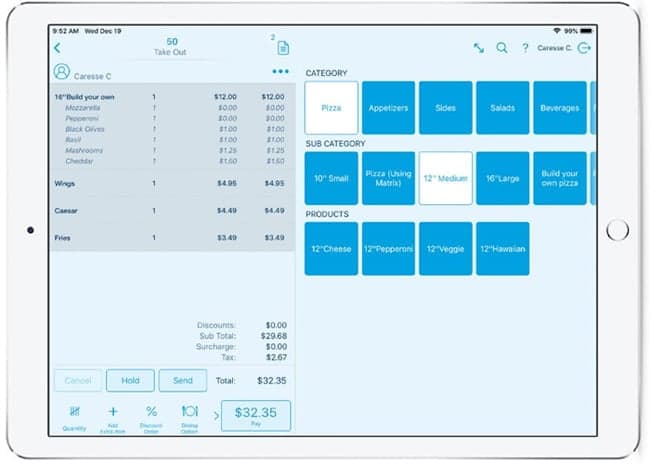
Revel Systems delivers cloud-backed iPad POS with strong franchise tooling: centralized menu pushes, royalty reporting, and API access for custom integrations. It appears in evaluations for quick-service restaurants, yogurt and coffee chains, and specialty retail with multiple registers—not for a single booth at a farmers market.
Where Revel shines
- Multi-location menu and price management from one hub.
- Kiosk and online ordering integrations in the Revel ecosystem.
- Ingredient-level inventory for QSR operators tracking food cost.
- Enterprise reporting for franchise owners and auditors.
- API-friendly architecture for loyalty and delivery partners.
Costs and complexity
Revel sits above entry-level Square on price and implementation effort. Expect per-terminal licensing, onboarding fees, and processing discussions tied to your rollout size. The platform rewards operators who use enterprise features—if you run one café with twelve menu items, lighter systems may cost less and deploy faster.
Revel vs Toast vs Clover
Toast owns restaurant mindshare for full-service independents scaling up. Clover flexes across retail and food with a broad app market. Revel fits QSR and franchise groups comparing enterprise iPad stacks—especially when API control and centralized governance top the requirements list. Demo with a rush-hour order line, not admin screens only.
Croft Business Solutions helps with Revel POS rollout support and interchange-plus processing for multi-location QSR and retail. We explain options in plain language, review statements when useful, and stay one call away, not a ticket queue.
Revel earns its place in "best POS for franchise" searches. Match the software tier to your actual location count and integration needs—enterprise POS pays off at scale, not as overkill on day one.
Who Revel is best for
Merchants searching for Revel usually care about a specific workflow—inventory sync, table service, field sales, or bundled marketing—not generic "best POS" lists. Revel for iPad QSR and franchise models; compare monthly software plus processing bundle. Demo with your rush-hour scenario and your top twenty SKUs before you commit.
Processing and effective rate
POS software fees are only half the contract. Bundled processing can hide markup behind "simple" pricing. Pull effective rate from statements: total fees divided by card sales. If you are quoted bundled rates, ask what happens when card mix shifts toward rewards or commercial cards.
- Ask whether you can use a third-party processor or must stay on the default integration.
- Confirm deposit timing for tips, batches, and holidays.
- Verify chargeback and retrieval support—not all POS vendors handle disputes the same way.
- Plan hardware replacement costs: readers, printers, and handhelds over three years.
How to audit your processing costs
Pull your last three months of statements and calculate effective rate: total fees the processor kept divided by total card sales. List every monthly line item—PCI, gateway, statement, regulatory—and note downgrades on keyed or chip-fallback transactions. That single exercise beats comparing teaser qualified rates from sales brochures.
- Compare effective rate month over month; spikes often follow rate changes or card-mix shifts.
- Separate interchange (wholesale) from markup if you are on interchange-plus.
- Count keyed versus chip-present volume; keyed and MOTO categories cost more.
- Verify batch close times—open batches can delay funding or cause reconciliation gaps.
Our guide on reading your merchant statement walks through each section. If numbers still do not reconcile, upload statements for a Croft review before you renew or switch.
Croft Business Solutions helps with POS selection, hardware programs, and processing that matches your volume. We explain options in plain language, review statements when useful, and stay one call away, not a ticket queue.
Croft Business Solutions boards merchants nationwide with interchange-plus pricing, dual pricing and compliant cost-recovery programs, free POS placement for qualified businesses, and hands-on support on the Gulf Coast and throughout North Georgia. Start with a free statement audit or instant quote if you know your monthly volume.
Why this matters for your bottom line
Card processing is not a fixed utility bill. Effective rate—total fees divided by card sales—shifts with card mix, ticket size, and whether staff consistently use chip and contactless. Merchants who audit statements quarterly catch drift before renewal season; those who only compare teaser qualified rates often overpay for years.
Practical next steps
- Calculate effective rate from your last three statements.
- List monthly fixed fees: PCI, gateway, software, equipment.
- Note keyed vs chip-present volume and any downgrades.
- Compare your program to interchange-plus transparency.
- Request a free statement audit before you renew.
How Croft helps
Croft Business Solutions partners with Omega Bank Card Services to offer interchange-plus pricing, compliant dual pricing, free POS placement for qualified merchants, Clover and countertop terminals, and gateways for omnichannel sales. We explain programs in plain language and stay reachable after onboarding—not a ticket queue.
Pull your last three months of statements and calculate effective rate: total fees the processor kept divided by total card sales. List every monthly line item—PCI, gateway, statement, regulatory—and note downgrades on keyed or chip-fallback transactions. That single exercise beats comparing teaser qualified rates from sales brochures.
- Compare effective rate month over month; spikes often follow rate changes or card-mix shifts.
- Separate interchange (wholesale) from markup if you are on interchange-plus.
- Count keyed versus chip-present volume; keyed and MOTO categories cost more.
- Verify batch close times—open batches can delay funding or cause reconciliation gaps.
Our guide on reading your merchant statement walks through each section. If numbers still do not reconcile, upload statements for a Croft review before you renew or switch.
Croft Business Solutions helps with transparent processing, POS placement, and statement reviews. We explain options in plain language, review statements when useful, and stay one call away, not a ticket queue.
Croft Business Solutions boards merchants nationwide with interchange-plus pricing, dual pricing and compliant cost-recovery programs, free POS placement for qualified businesses, and hands-on support on the Gulf Coast and throughout North Georgia. Start with a free statement audit or instant quote if you know your monthly volume.
Search rankings follow useful, specific content—but your business wins when checkout is reliable and fees are auditable. Use this guide as a checklist, then talk to a partner who will show the math.
Frequently asked questions
- Can I keep my processor if I change POS?
- Sometimes. Compatibility depends on POS, gateway, and sponsor bank. Share your current stack when requesting a quote so migration is planned—not guessed.
- Is free POS hardware really free?
- Often it is subsidized through processing commitment. Compare effective rate over 36 months against buying hardware outright with interchange-plus pricing.
- How do I compare processors fairly?
- Use effective rate on your actual statements, include all monthly fees, and compare funding speed and support—not brochure qualified rates.
- Does Croft work with my existing POS?
- Often yes, depending on POS and gateway. Share your current stack when requesting a quote so integration and migration are planned upfront.
Related reads
POS systems
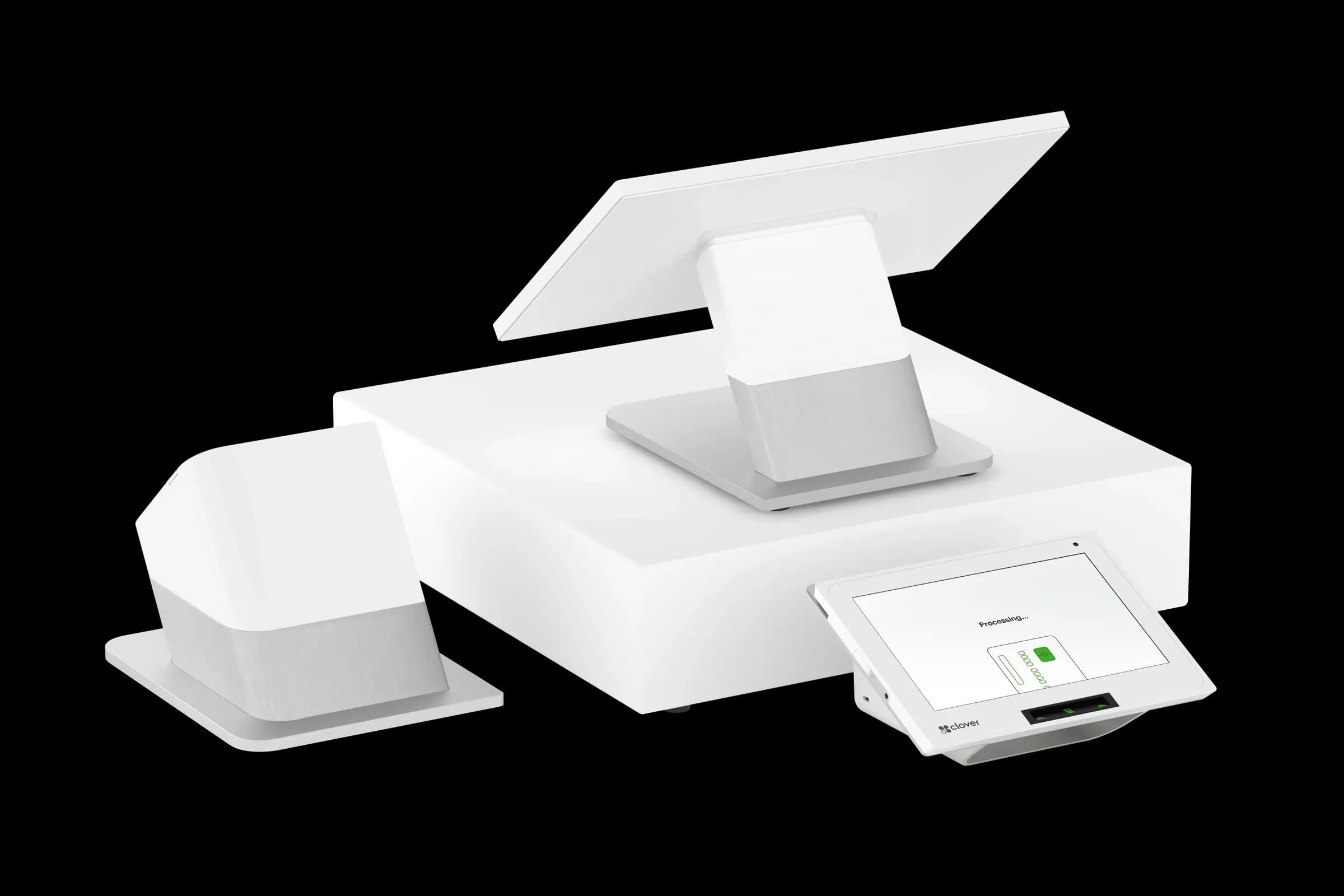
Clover vs. Square vs. Toast: Which POS Fits Your Business?
Compare Clover, Square, and Toast for small businesses: hardware, pricing, industry fit, and processing integration so you pick a POS that matches how you sell.
POS systems
Choosing a POS System That Grows With Your Business
Pick a POS that scales: second locations, ecommerce, franchise reporting, permissions, and integration roadmaps so you do not outgrow your stack in year two.
POS systems
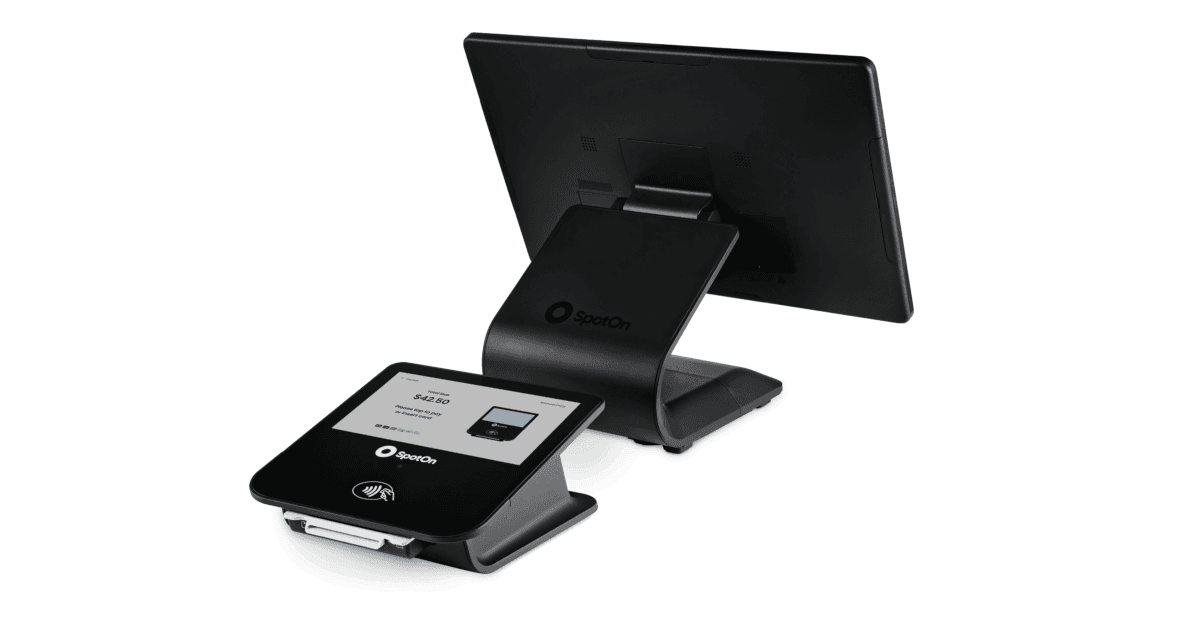
SpotOn POS Review: Features, Pricing, and Who It Fits
SpotOn POS review: restaurant and retail terminals, marketing add-ons, processing bundles, and how SpotOn compares to Toast, Clover, and Square.
Want a second opinion on your statement?
We review what you pay today, line by line, and show how transparent pricing compares, no obligation to switch.