Clover POS · Croft

The right Clover for your floor—not a one-size terminal

Counter, handheld, kitchen, or kiosk: Croft helps you pick hardware that matches how you actually run service, place it at no upfront equipment cost when you qualify, and launch with real setup—not a box in the mail.

  • Hardware placed at $0 upfront for qualified merchants
  • No hard credit pull to start pre-approval
  • Month-to-month processing—no long-term lock-in
$0
Upfront hardware for qualified merchants
9
Clover models to match your floor
Live
Guided setup & staff training
Month-to-month
Processing, no long-term lock-in
Built for operations

Hardware that keeps up when the floor gets loud

Clover is more than a card reader—it is how tickets, payments, and kitchen flow stay connected during rush.

Counter command centers

Station Solo, Duo, and Mini keep tickets, modifiers, and payments on one fast screen—built for bars, dining rooms, and busy retail lanes.

Handheld where guests are

Flex and Go run tableside, curbside, and pop-up checkout with built-in payments and printing where the model supports it.

Kitchen & self-service

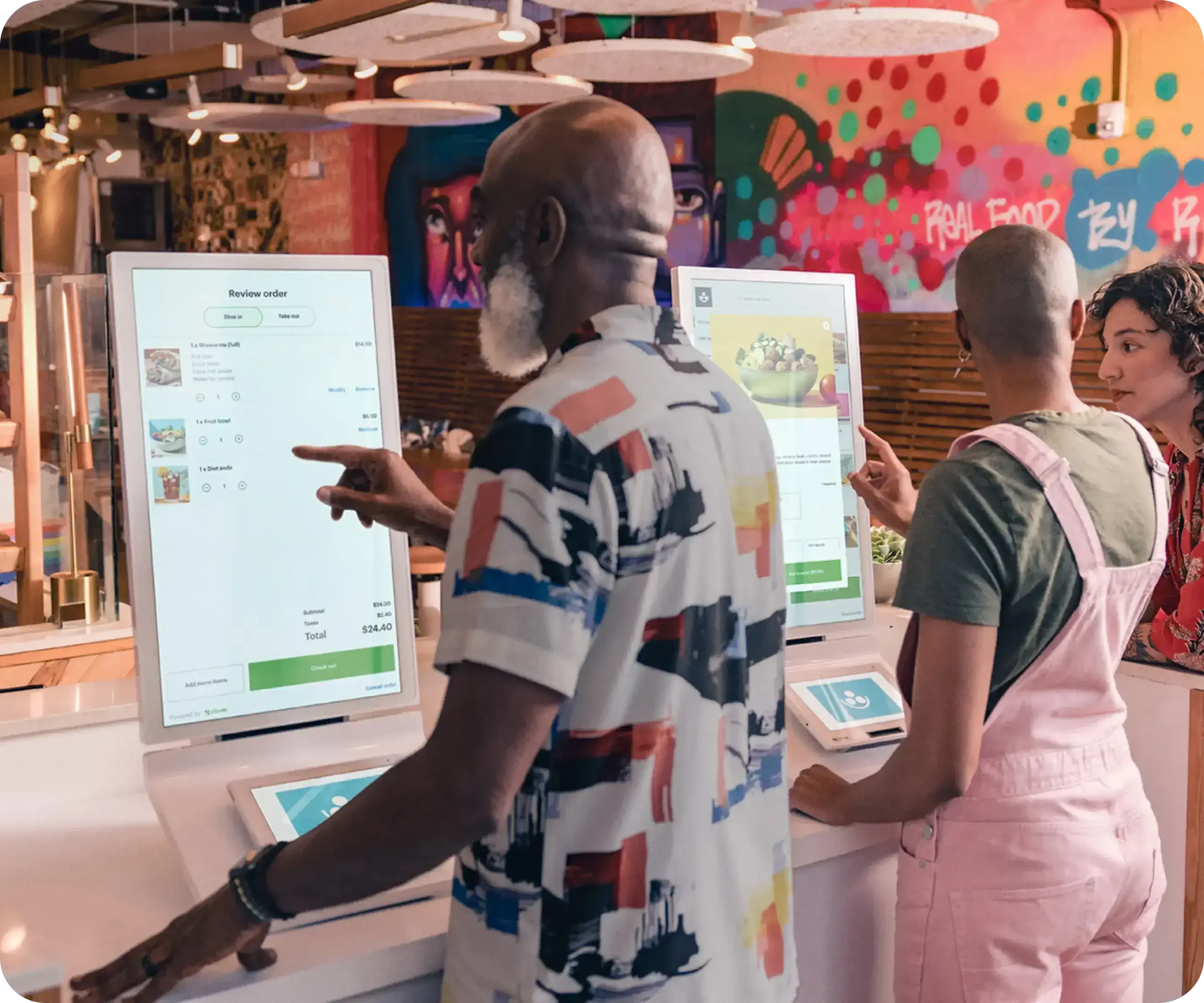
Route orders to KDS screens and kiosks so the line moves while the kitchen stays in sync—fewer missed modifiers, fewer re-fires.

One platform, synced ops

Inventory, reporting, and apps stay tied to the same Clover account whether you run one lane or a multi-station floor.

See it on a real line

Orders, modifiers, and payments—without the bottleneck

Full-service counters need hardware and a processor that do not choke when Friday night hits. This is what that looks like on Clover.

Choose your hardware

Nine Clover models, sorted by how you run service

Start with the category that matches your floor, then open any device for the full story—fit, features, and how Croft helps you deploy.

At the counter

Fixed stations for high-volume checkout

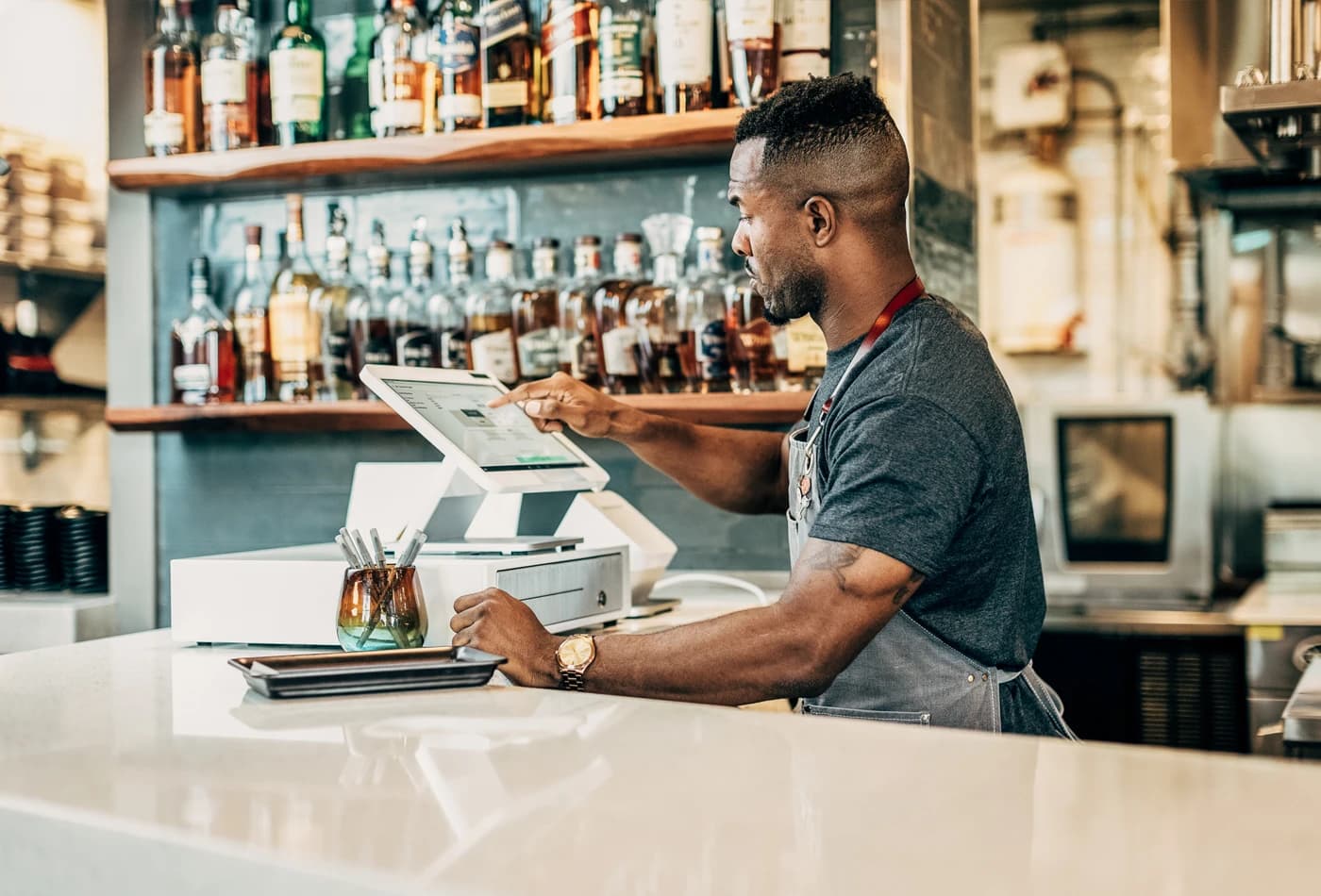
Clover Station Solo behind a busy bar counter

Clover Station Solo

Big-screen command center with printer and drawer built in, built for busy bars, dining rooms, and single-lane counters.

  • Bars & taprooms
  • Full-service restaurants
  • Nightlife & clubs
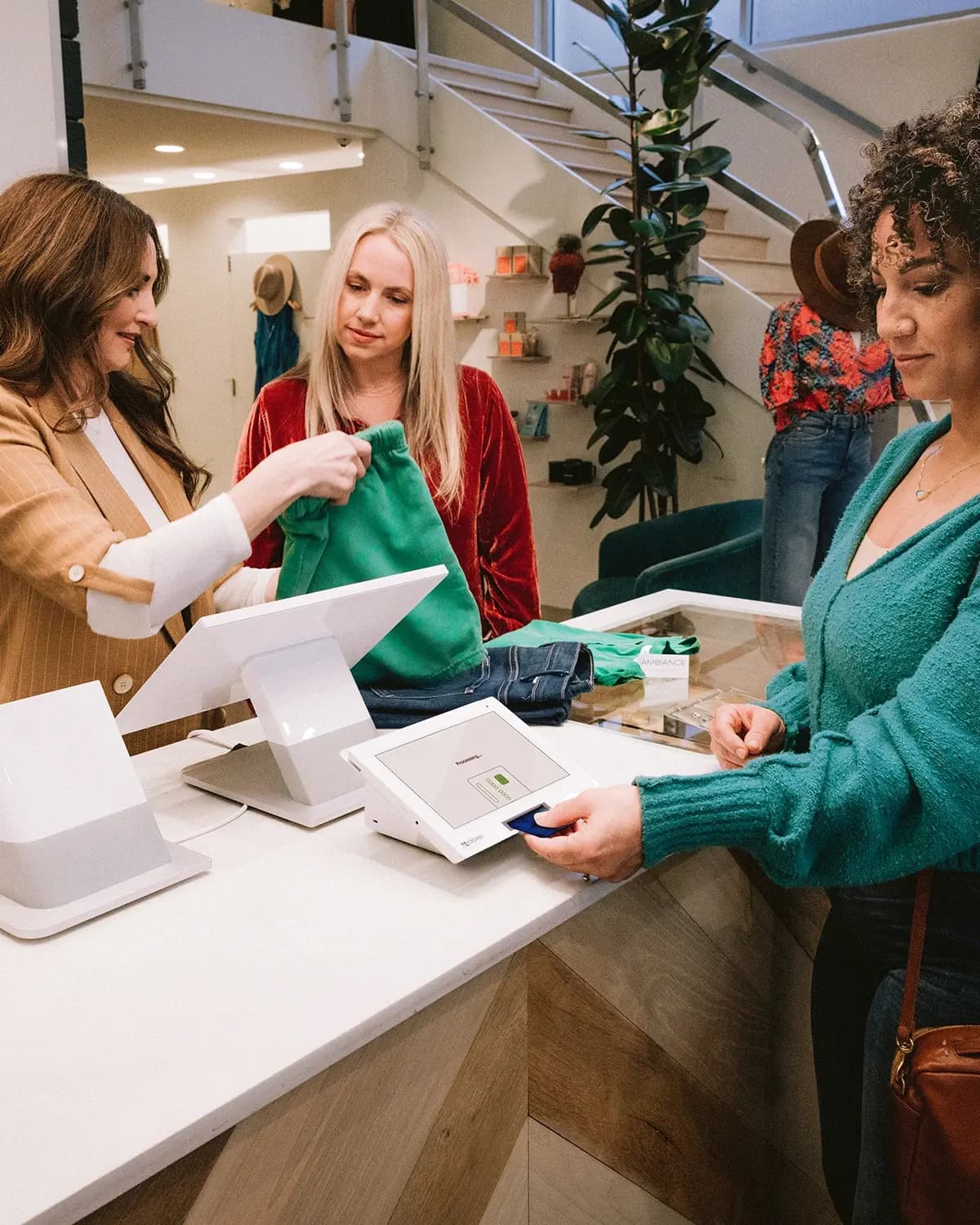
Clover Station Duo 2 at a retail checkout with customer-facing display

Clover Station Duo 2

Staff run the order on a 14" screen while guests confirm, tip, redeem, and pay on theirs, with less back-and-forth at rush.

  • QSR & fast casual
  • Counter ordering & cafés
  • Delis & sandwich shops
Clover Mini 3 on a café counter during service

Clover Mini 3

Full Clover stack in a small footprint for retail, cafes, and front desks that refuse to sacrifice apps or speed.

  • Retail & boutiques
  • Quick-service & cafés
  • Salons & spas
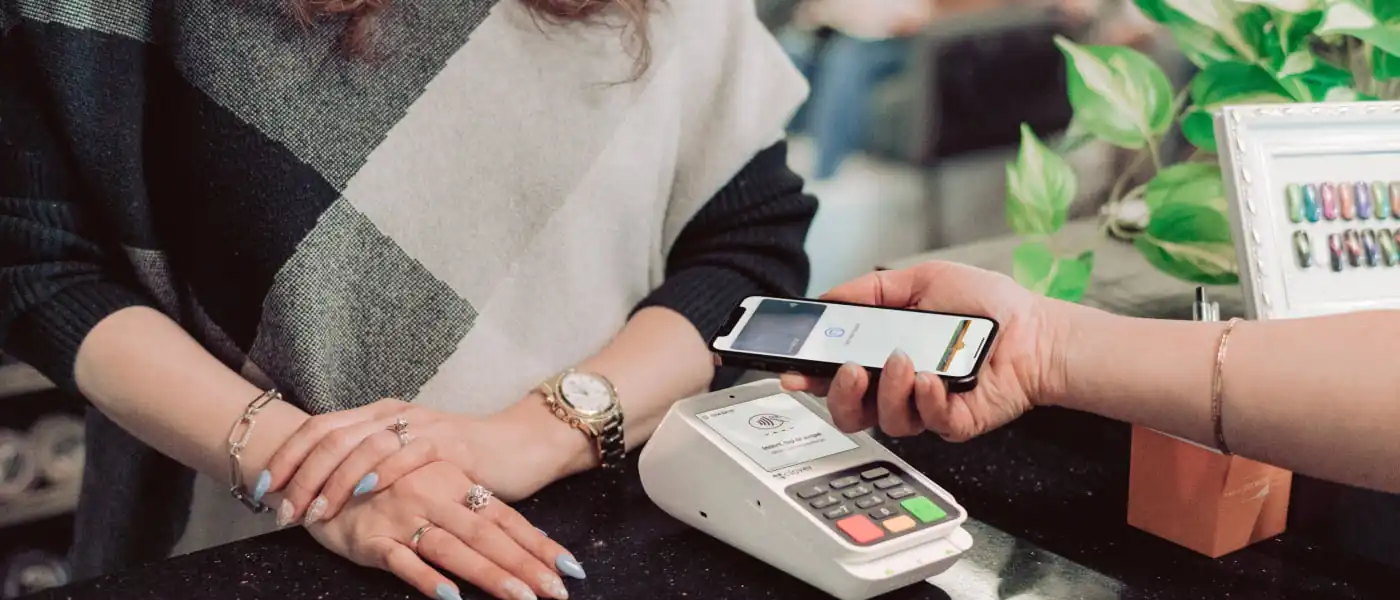
Customer paying with mobile wallet on Clover Compact

Clover Compact

Physical keypad plus printer in one small unit for lanes that lean on PIN entry, fuel, pharmacy, and quick retail.

  • Pharmacy counters
  • Fuel & convenience
  • Quick retail checkout

On the move

Tableside, curbside, markets, and events

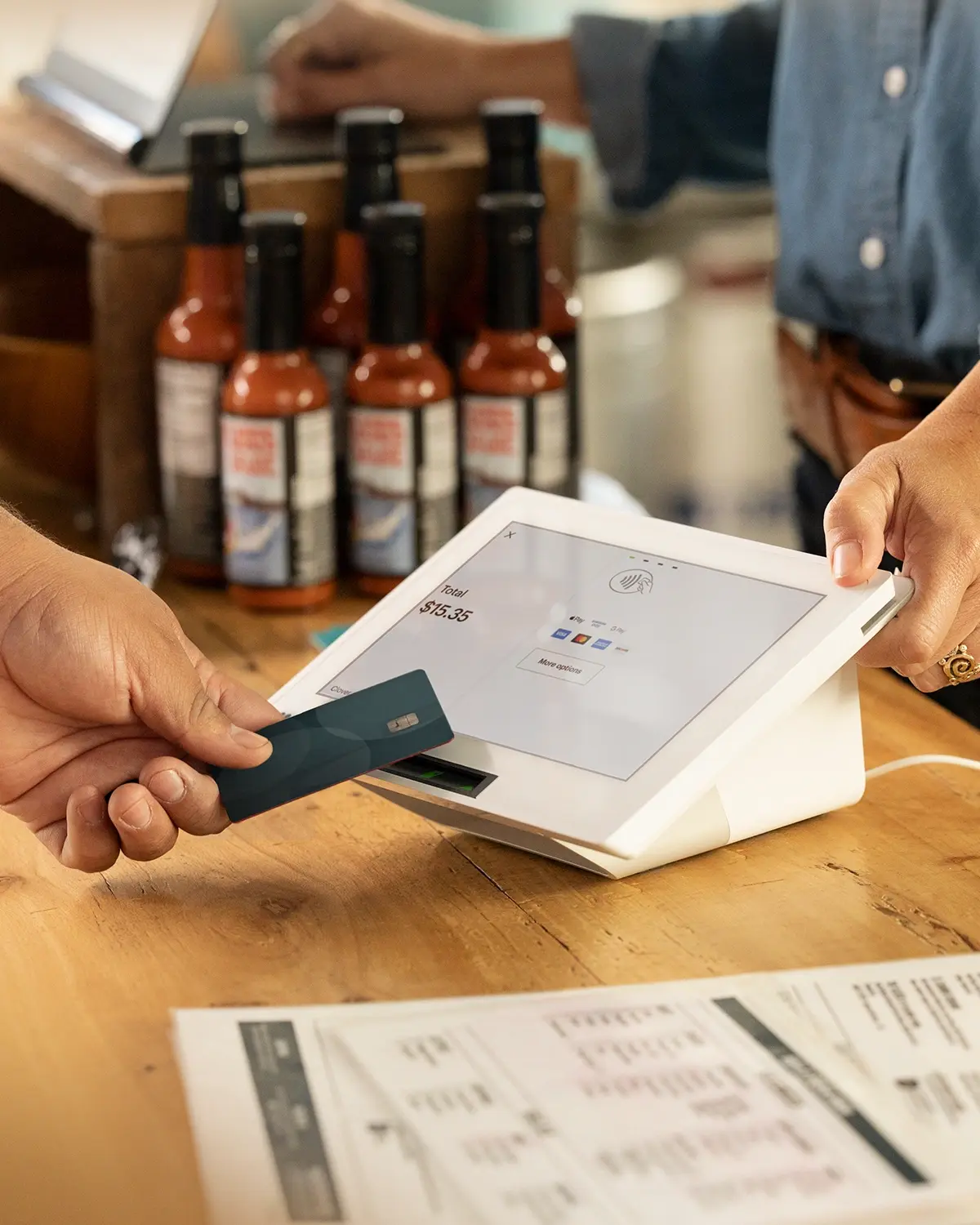
Clover Flex 4 used for tableside payment and receipt

Clover Flex 4

Handheld orders and payments with a built-in printer for table service, line busting, and curbside without running back to the counter.

  • Full-service restaurants
  • Bars & taprooms
  • Hotels & lounges
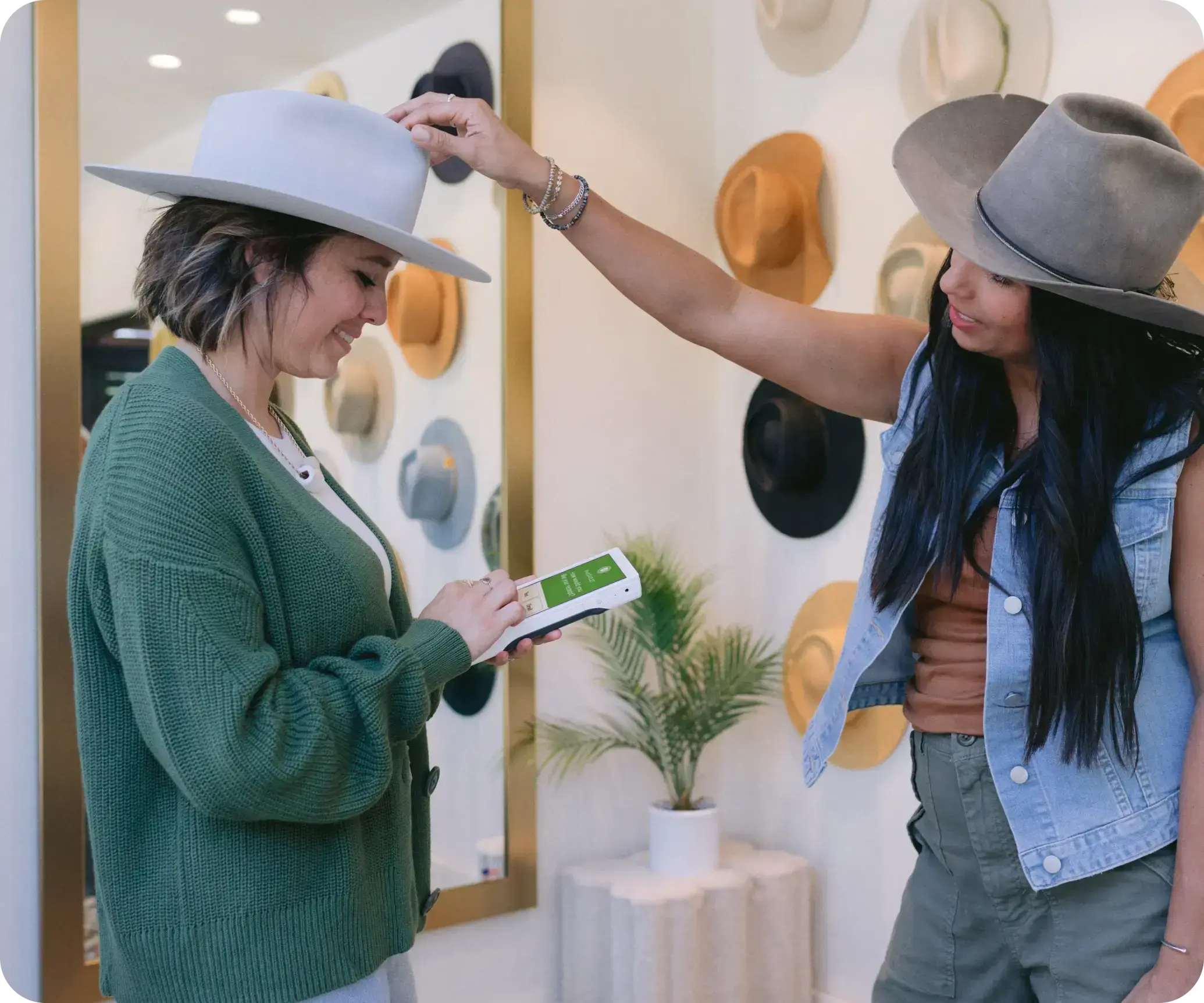
Clover Flex Pocket used for mobile checkout in a boutique

Clover Flex Pocket

Same Flex horsepower in a slimmer pocket-friendly build, great when you want mobile without carrying a printer.

  • Pop-up & seasonal retail
  • Mobile vendors
  • Delivery & curbside handoff
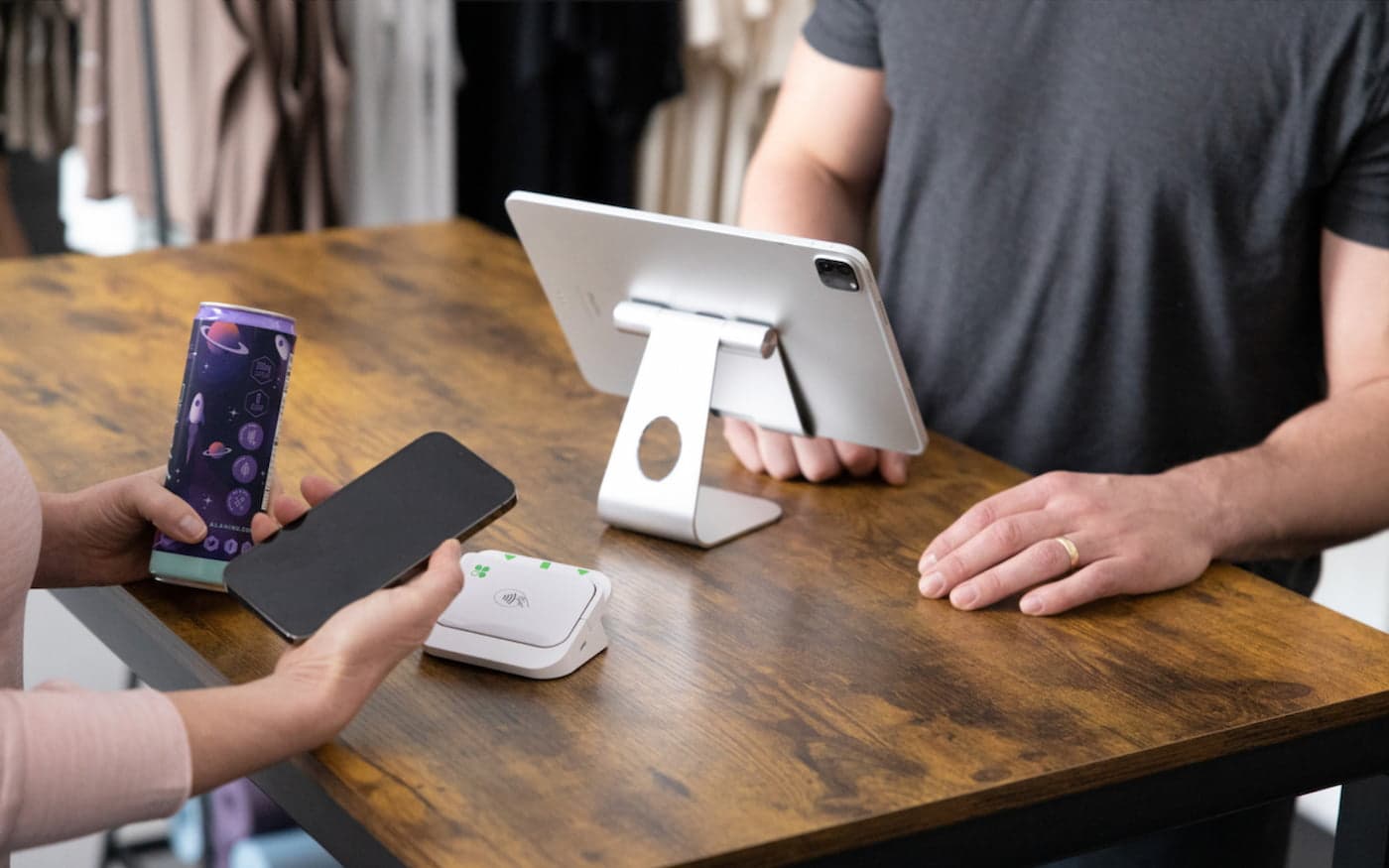
Clover Go reader taking a contactless payment

Clover Go

Use the phone or tablet you already carry for chip, tap, and wallets in light volume, pop-ups, and pros on the move.

  • Mobile professionals
  • Market & fair vendors
  • Low-volume pop-ups

Back of house & self-order

Ticket flow and guest-facing ordering

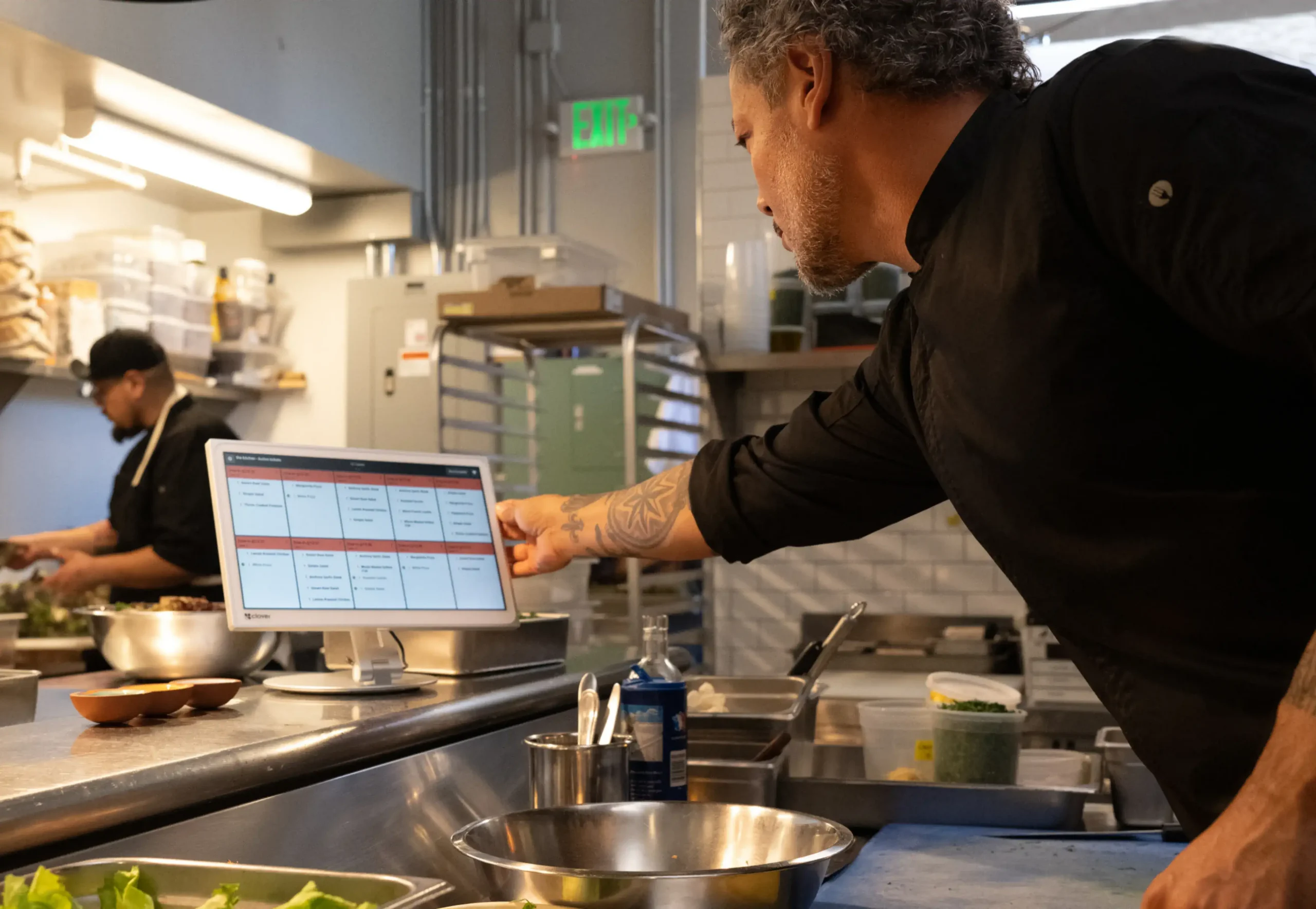
Clover kitchen display in a restaurant prep line

Clover KDS

Route orders directly to the kitchen with 14" or 24" displays, color-coded ticket flow, and optional bump-bar controls.

  • Full-service restaurants
  • Quick-service & fast casual
  • Food halls & ghost kitchens
Launch with Croft

From box to first busy night—in four steps

You are not buying a terminal and reading a PDF. Croft coordinates hardware, configuration, and training so your team is ready when doors open.

1

Pick the right box

We match hardware to your floor plan, volume, and peripherals—before anything ships.

2

Configure your menu

Items, modifiers, tax, tips, printers, and kitchen routing set up with you, not a generic template.

3

Ship & wire up

Hardware arrives ready to activate. Remote or on-site help when the project calls for it.

4

Own the first rush

Staff training plus a live support line so opening night is controlled, not chaotic.

Prefer to talk it through? (678) 689-8901

Real installs

Hands-on help when your project needs it

Croft coordinates on-site installs and live-guided setup when geography and the project call for it. Nationwide, most merchants still launch through remote configuration, shipping coordination, and a direct support line—but either way you are not stuck in a nameless queue reading from a script.

Clover Station Duo 2 at a retail checkout with customer-facing display
Duo 2 at retail checkout — hardware matched to how the floor actually runs
Clover Station Solo behind a busy bar counter
Solo behind a busy bar — configured and ready for service
Clover Flex 4 used for tableside payment and receipt
Flex 4 for tableside checkout — Croft helps you deploy where guests are

Photos: Clover hardware in live merchant environments.

Common questions

Clover hardware & placement FAQ

Is free Clover POS placement really no upfront equipment cost?
For qualified merchants who process with Croft Business Solutions, Clover hardware can be placed at $0 upfront equipment cost. You pay your Clover software plan and standard processing rates—the device is part of the processing relationship, not a purchase or lease. Terms apply.
How do I know which Clover device fits my business?
Start with how you take orders: fixed counter, tableside, mobile, or kitchen-heavy. The Mini suits compact counters; Duo shines when guests pay on a customer screen; Flex handles roaming service. Croft helps you choose before you apply.
Does Croft handle setup, menus, and training?
Yes. Onboarding includes item migration, printer and peripheral setup, tax and tip configuration, and staff training. Consultants coordinate ship dates and stay available on live calls—and on-site help when geography allows.
Can I mix devices on one account?
Many merchants run a Station or Mini at the counter plus Flex handhelds or a KDS in the kitchen. Clover keeps reporting and inventory tied together under one merchant account.
What happens if I stop processing with Croft?
Return the hardware in working condition. Non-return fees apply only if equipment is not returned. There is no early termination fee tied to closing or selling your business.

(678) 689-8901

Ready to match Clover to your floor?

Qualified merchants can place Clover hardware at no upfront equipment cost when you process with Croft—plus onboarding and support so your team owns the first busy night, not just survives it.