
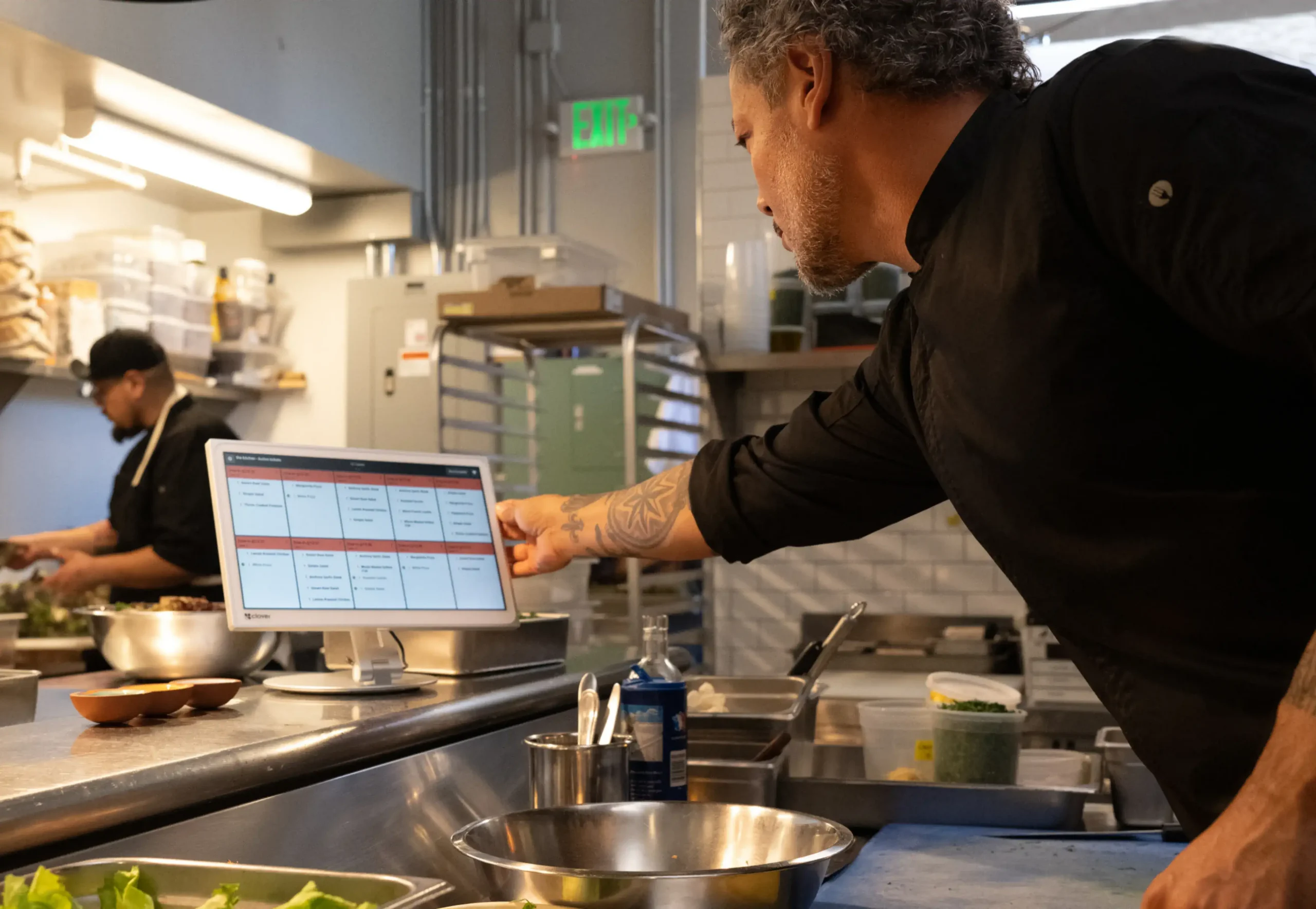
Back of house
Every channel on one screen
In-store, online, and delivery orders route to the same kitchen workflow. Croft handles setup, training, and ongoing support — not a distant call center.
Kitchen Display System that replaces paper tickets with real-time digital orders from Clover POS, online ordering, and delivery apps.
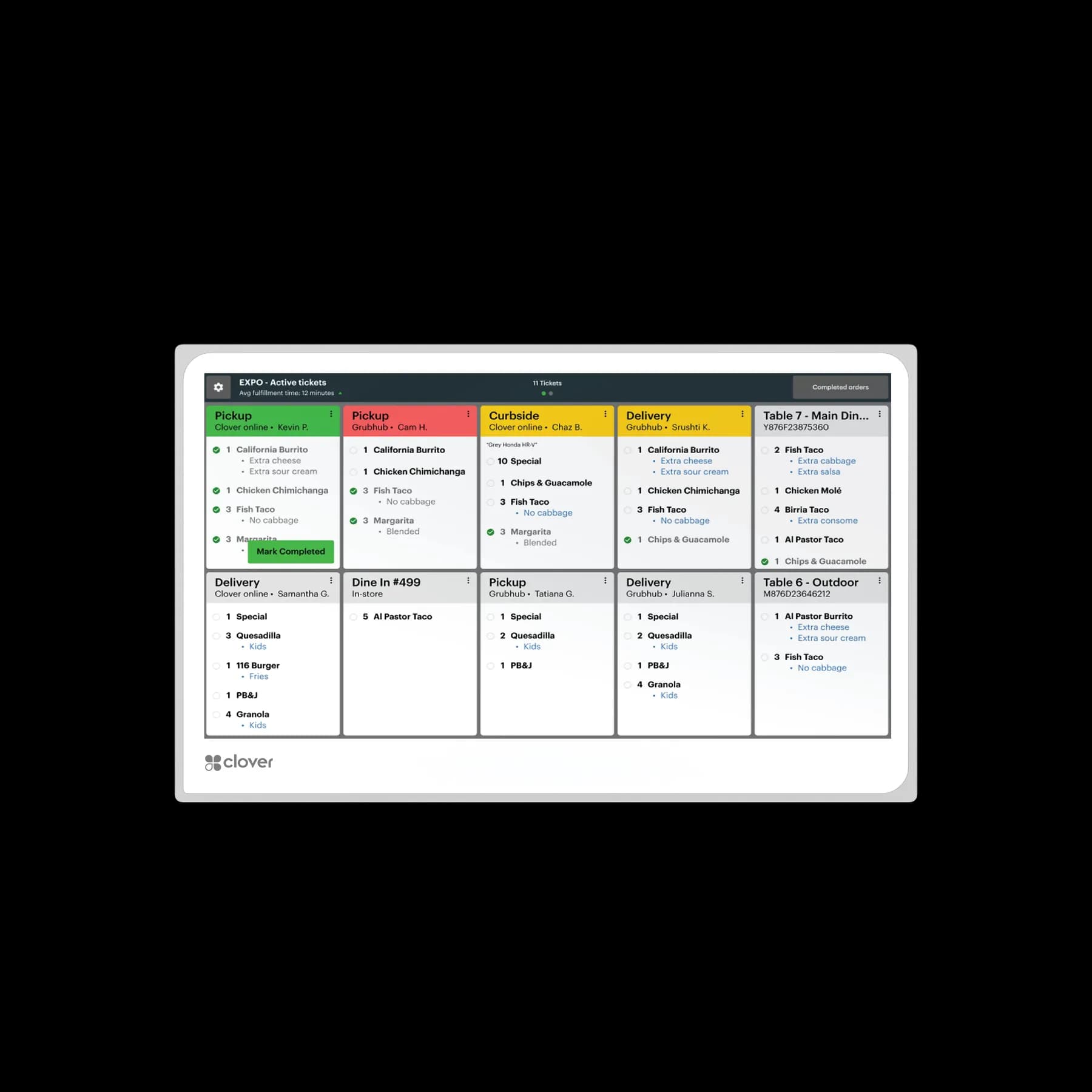
Clover KDS shows live tickets by station. Bump, recall, and prioritize so the line stays organized during rush.
Clover KDS is a back-of-house kitchen display system that replaces paper tickets with live digital order flow. Orders from Clover POS, online ordering, and supported delivery channels appear in one synchronized queue so kitchen teams can prep faster, reduce errors, and keep service windows consistent.
Route in-store, online, and delivery tickets to one display workflow so cooks and expo work from the same live information.
Choose screen size by station visibility and available space, with mounting flexibility for counter, wall, or overhead setups.
Add tactile programmable controls for overhead or high-traffic stations where touch interaction is not always ideal.
Back of house
In-store, online, and delivery orders route to the same kitchen workflow. Croft handles setup, training, and ongoing support — not a distant call center.
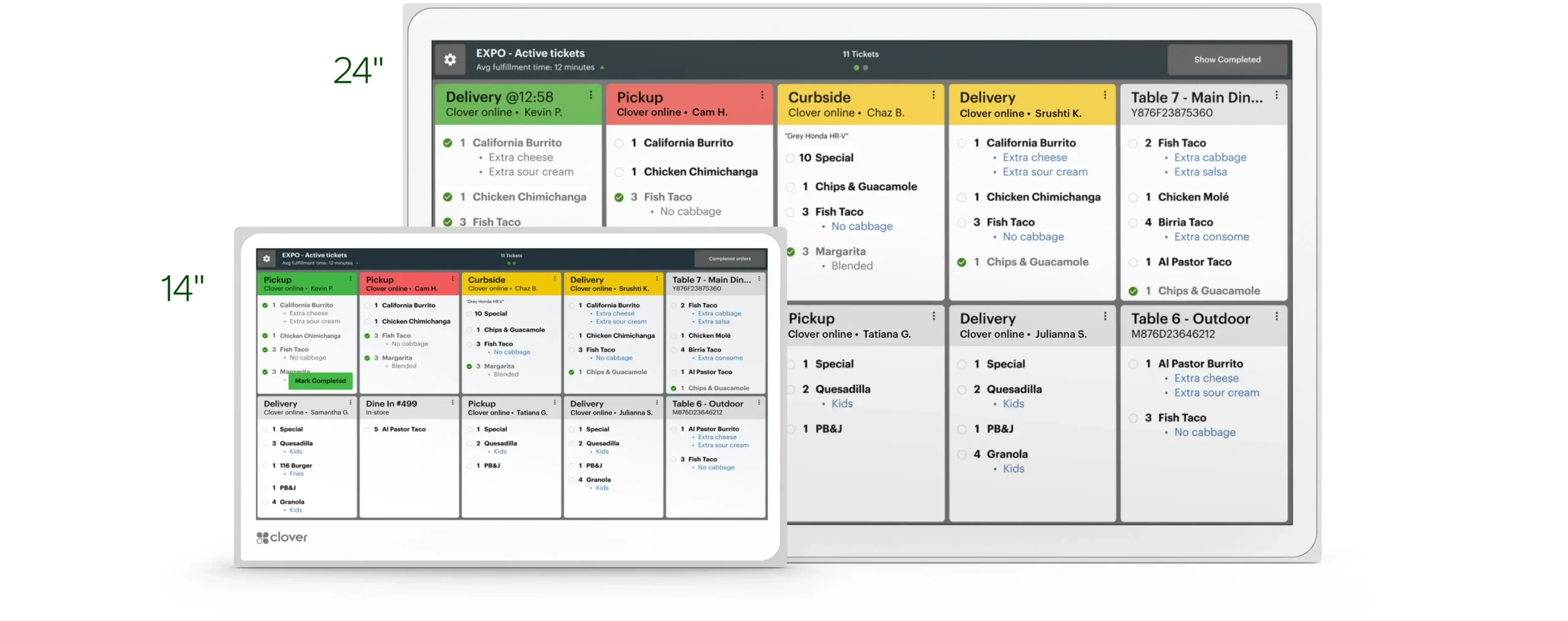
Screen sizes
Tighter prep stations get 14-inch displays. High-volume lines use 24-inch for visibility across roles.
Core hardware and software features included with this Clover device.
Kitchen display systems replace paper tickets with live screens that show orders from in-store POS, online ordering, and supported delivery channels in one queue. Cooks bump, recall, and prioritize without lost chits during rush.
Clover KDS is available in 14-inch and 24-inch sizes with optional bump-bar control for overhead mounts. Croft maps prep stations and recommends screen count before installation.
Watch tickets move from order to bump without paper.
Wall-mounted displays with optional bump bar for hands-free ticket control in hot zones.
Straight answers about Clover KDS and how Croft helps you deploy it.
Check if you qualify for free placement, or explore purchase and Terminal for Life options. On eligible Croft programs, processing is a flat monthly fee — not a percentage of every sale.
Tell us how your kitchen is laid out — we will recommend screen count and placement.