
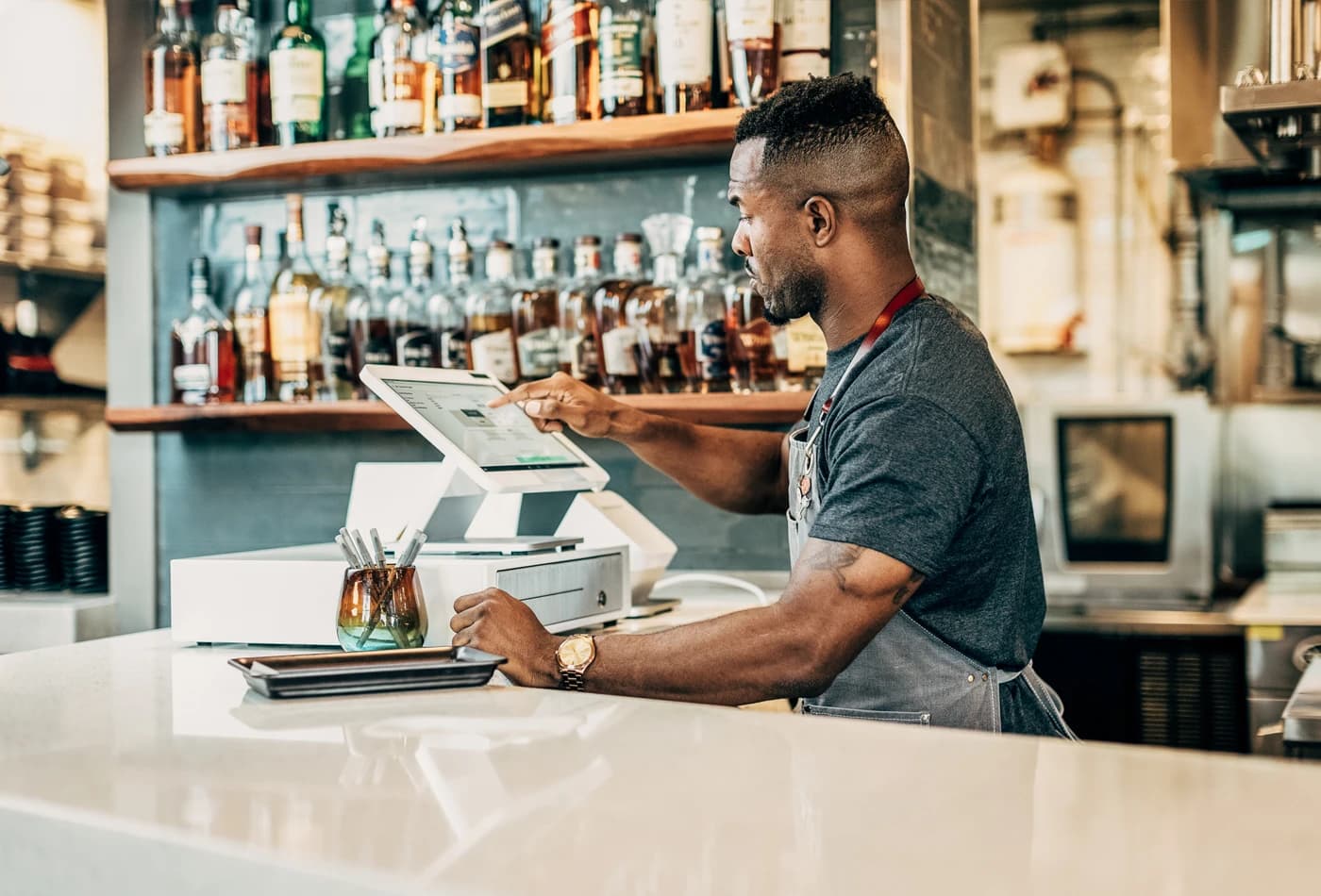
Bars & dining
Menus and tabs on a screen staff can read at a glance
Solo keeps the checkout area clean while handling complex orders. Croft handles setup, training, and ongoing support — not a distant call center.
All-in-one POS with 14" HD display, built-in receipt printer, and cash drawer. A strong fit behind the bar and on the floor at full-service restaurants, plus busy single-screen counters.
Tilt the HD display toward staff, run menus and tabs, and take every common payment type without stacking extra boxes on the bar.
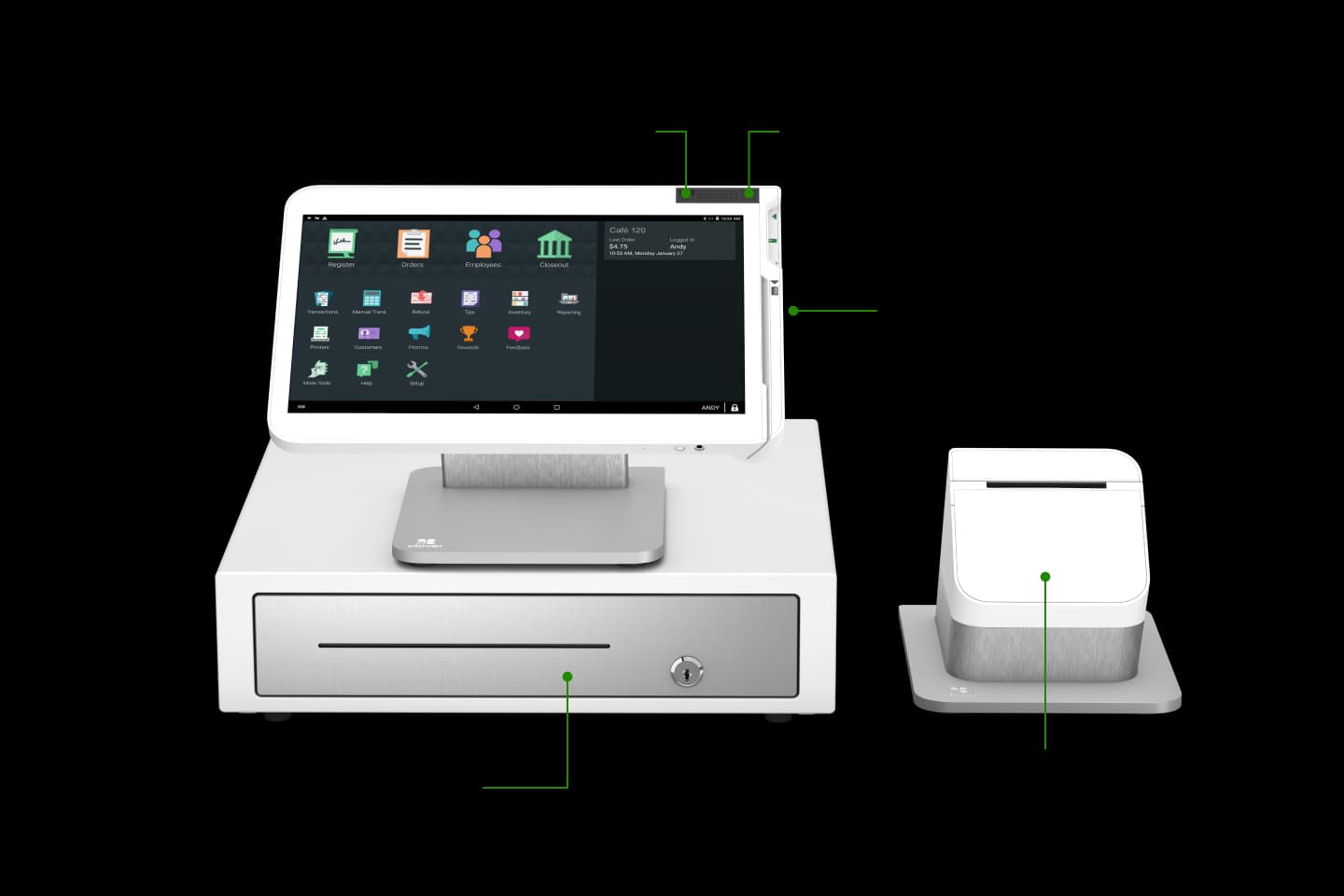
Station Solo is Clover's full-size countertop system when one large screen is enough: a 14-inch HD display you can tilt toward staff, built-in receipt printing, and an included cash drawer so orders and payments stay on one terminal during service. Croft bundles it with processing, rollout planning, and the right add-ons so restaurants, bars, and busy counters are not guessing what to plug in on opening week.
Run menus, coursing, tabs, and App Market tools from a tiltable 14-inch HD display, ideal when bartenders and hosts need the same clarity you would expect from a larger station without dedicating a second guest screen.
Built-in thermal printing plus an included cash drawer keeps the pass clean while you still settle cash tabs, split checks, and comps the way your floor already works.
Sync tickets to the kitchen, pair Flex for table-side, and pull reporting into Clover Dashboard on web or phone, Croft maps the mix so upgrades feel planned, not improvised.
Bars & dining
Solo keeps the checkout area clean while handling complex orders. Croft handles setup, training, and ongoing support — not a distant call center.
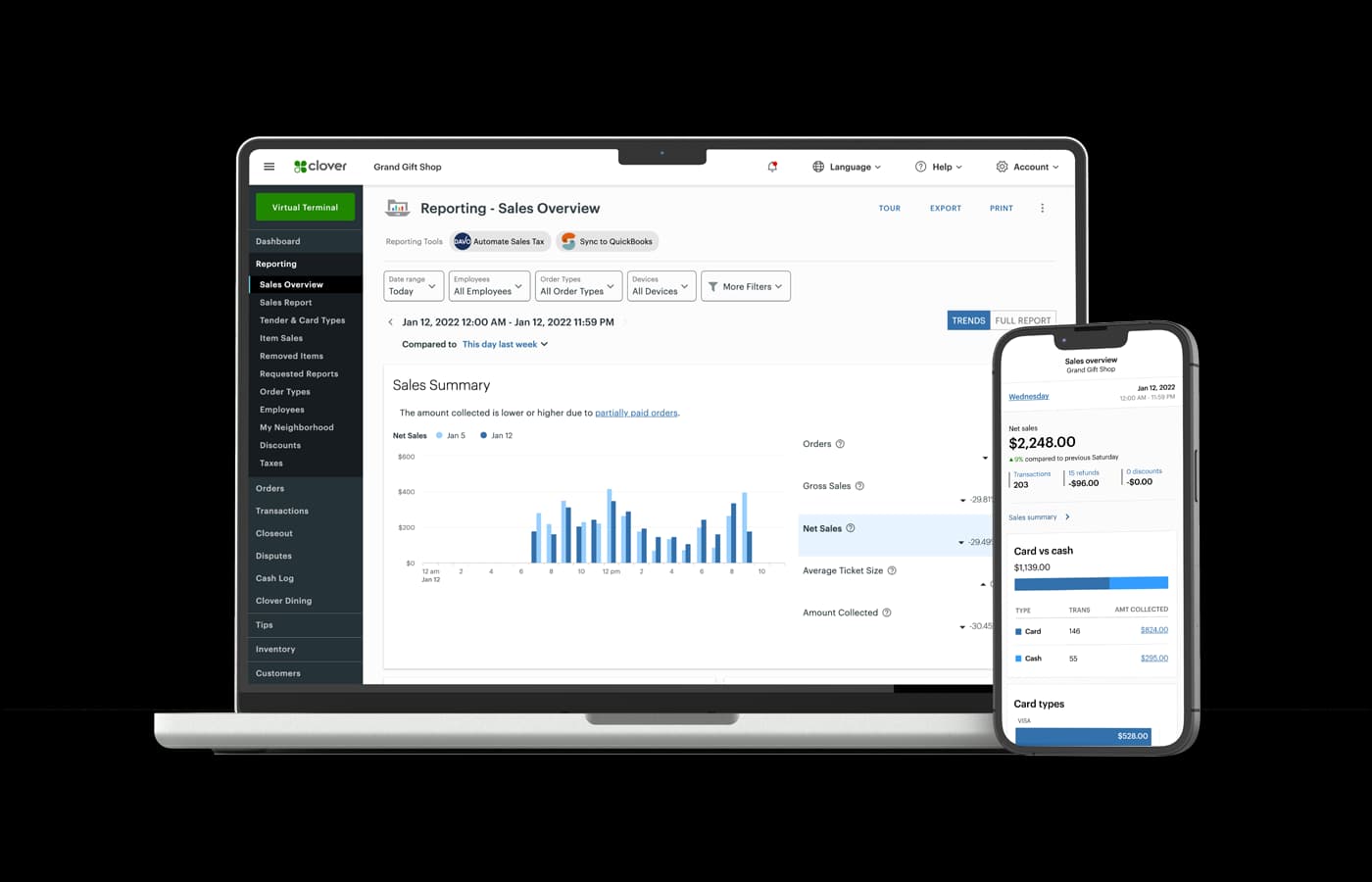
Operations
Sales, tenders, and shift data live in one system — managers reconcile from the dashboard instead of exporting spreadsheets.
Core hardware and software features included with this Clover device.
Station Solo puts a 14-inch HD touchscreen, receipt printer, and cash drawer on one stand — built for full-service restaurants, bars, and taprooms where staff need one large display for menus, tabs, and payments.
Businesses that do not need a separate guest-facing screen often prefer Solo over Duo for simplicity and counter space. Croft helps with device selection, menu migration, printer routing, and go-live training so opening day is not a DIY project.
Walk through hardware placement and day-one workflows for bars and restaurants.
14-inch display, included drawer, high-speed printer, and connectivity for busy service environments.
Straight answers about Clover Station Solo and how Croft helps you deploy it.
Check if you qualify for free placement, or explore purchase and Terminal for Life options. On eligible Croft programs, processing is a flat monthly fee — not a percentage of every sale.
Share how your counter works today — we will match Solo, Duo, or Mini to your layout.