
Choosing a POS System That Grows With Your Business
The cheapest POS for opening week is not always the cheapest for year three—when you add a second register, online ordering, or another city. Growth-ready choices balance today’s simplicity with tomorrow’s permissions and reporting.
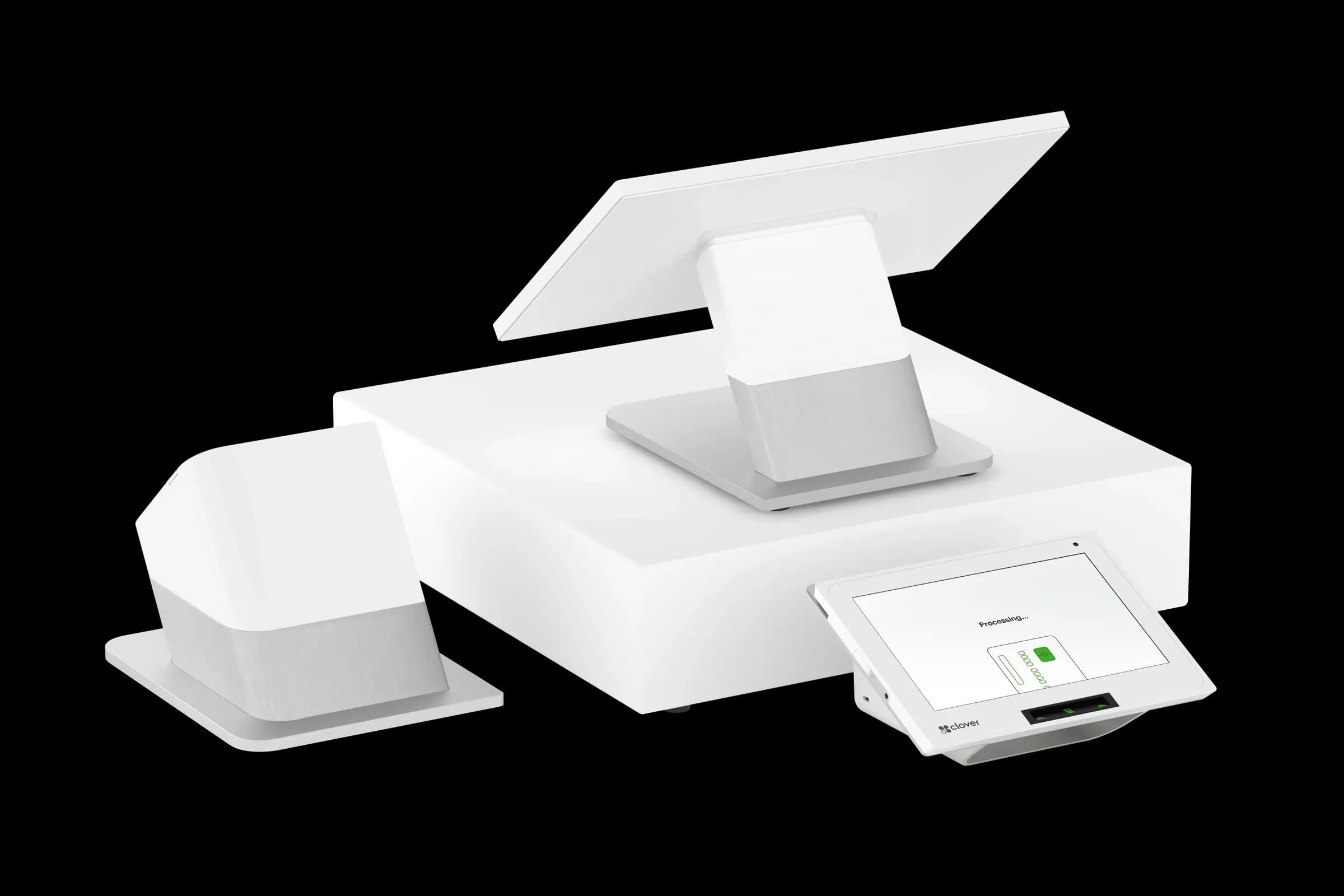
List growth moves you can imagine in twenty-four months: new location, catering, ecommerce, franchising, or centralized purchasing. Ask vendors how pricing, user permissions, and reporting change at each stage—not whether they have an enterprise brochure.
Multi-location and permissions
Can you push menu or price updates to all sites at once? Can store managers run local reports without seeing other stores’ payroll? Role-based access becomes critical as soon as you are not on the floor every day.
Integrations over rip-and-replace
Platforms with open APIs and common connectors (accounting, payroll, delivery, marketing) extend life span. If every new channel requires a new POS, growth tax is too high. Croft helps merchants plan processing and POS together so adding locations does not reset your fee structure blindly.
- User seats and device limits per location.
- Hardware standardization across stores for easier support.
- Central kitchen or commissary inventory flows.
- Gift card and loyalty across locations.
- Export and migration policy if you ever leave.
Processing and POS alignment at scale
More volume should improve your negotiating position on processing—not trap you in worse rates tied to old equipment deals. Review effective rate by location quarterly; drift is common when new sites onboard under different promotions.
Croft Business Solutions helps with long-term POS and processing strategy for merchants opening new locations or channels. We explain options in plain language, review statements when useful, and stay one call away, not a ticket queue.
Buy for the business you are building
Choose the system you would still want if sales double—not the one that only solves today’s single-register queue. A modest extra monthly cost for scalable reporting often beats a migration in eighteen months.
Growth-ready does not mean enterprise complexity on day one. It means the next leap does not require burning down what already works.
POS selection checklist
- List your five most common transactions and demo each on finalist systems.
- Export a sample catalog and customer file—migration pain shows up at go-live.
- Compare software, hardware, and processing as one effective cost picture.
- Confirm support hours match when you actually sell (nights, weekends).
- Read the data-export policy before you sign a multi-year agreement.
Pair POS with transparent processing
Croft works with Clover, Toast, countertop terminals, and gateways for omnichannel sales. The goal is one deposit timeline, auditable fees, and reports your accountant can reconcile—not a slick demo that falls apart at month-end.
How to audit your processing costs
Pull your last three months of statements and calculate effective rate: total fees the processor kept divided by total card sales. List every monthly line item—PCI, gateway, statement, regulatory—and note downgrades on keyed or chip-fallback transactions. That single exercise beats comparing teaser qualified rates from sales brochures.
- Compare effective rate month over month; spikes often follow rate changes or card-mix shifts.
- Separate interchange (wholesale) from markup if you are on interchange-plus.
- Count keyed versus chip-present volume; keyed and MOTO categories cost more.
- Verify batch close times—open batches can delay funding or cause reconciliation gaps.
Our guide on reading your merchant statement walks through each section. If numbers still do not reconcile, upload statements for a Croft review before you renew or switch.
Croft Business Solutions helps with POS selection, hardware programs, and processing that matches your volume. We explain options in plain language, review statements when useful, and stay one call away, not a ticket queue.
Croft Business Solutions boards merchants nationwide with interchange-plus pricing, dual pricing and compliant cost-recovery programs, free POS placement for qualified businesses, and hands-on support on the Gulf Coast and throughout North Georgia. Start with a free statement audit or instant quote if you know your monthly volume.
Why this matters for your bottom line
Card processing is not a fixed utility bill. Effective rate—total fees divided by card sales—shifts with card mix, ticket size, and whether staff consistently use chip and contactless. Merchants who audit statements quarterly catch drift before renewal season; those who only compare teaser qualified rates often overpay for years.
Practical next steps
- Calculate effective rate from your last three statements.
- List monthly fixed fees: PCI, gateway, software, equipment.
- Note keyed vs chip-present volume and any downgrades.
- Compare your program to interchange-plus transparency.
- Request a free statement audit before you renew.
How Croft helps
Croft Business Solutions partners with Omega Bank Card Services to offer interchange-plus pricing, compliant dual pricing, free POS placement for qualified merchants, Clover and countertop terminals, and gateways for omnichannel sales. We explain programs in plain language and stay reachable after onboarding—not a ticket queue.
Pull your last three months of statements and calculate effective rate: total fees the processor kept divided by total card sales. List every monthly line item—PCI, gateway, statement, regulatory—and note downgrades on keyed or chip-fallback transactions. That single exercise beats comparing teaser qualified rates from sales brochures.
- Compare effective rate month over month; spikes often follow rate changes or card-mix shifts.
- Separate interchange (wholesale) from markup if you are on interchange-plus.
- Count keyed versus chip-present volume; keyed and MOTO categories cost more.
- Verify batch close times—open batches can delay funding or cause reconciliation gaps.
Our guide on reading your merchant statement walks through each section. If numbers still do not reconcile, upload statements for a Croft review before you renew or switch.
Croft Business Solutions helps with transparent processing, POS placement, and statement reviews. We explain options in plain language, review statements when useful, and stay one call away, not a ticket queue.
Croft Business Solutions boards merchants nationwide with interchange-plus pricing, dual pricing and compliant cost-recovery programs, free POS placement for qualified businesses, and hands-on support on the Gulf Coast and throughout North Georgia. Start with a free statement audit or instant quote if you know your monthly volume.
Search rankings follow useful, specific content—but your business wins when checkout is reliable and fees are auditable. Use this guide as a checklist, then talk to a partner who will show the math.
Frequently asked questions
- Can I keep my processor if I change POS?
- Sometimes. Compatibility depends on POS, gateway, and sponsor bank. Share your current stack when requesting a quote so migration is planned—not guessed.
- Is free POS hardware really free?
- Often it is subsidized through processing commitment. Compare effective rate over 36 months against buying hardware outright with interchange-plus pricing.
- How do I compare processors fairly?
- Use effective rate on your actual statements, include all monthly fees, and compare funding speed and support—not brochure qualified rates.
- Does Croft work with my existing POS?
- Often yes, depending on POS and gateway. Share your current stack when requesting a quote so integration and migration are planned upfront.
Related reads
POS systems
Clover vs. Square vs. Toast: Which POS Fits Your Business?
Compare Clover, Square, and Toast for small businesses: hardware, pricing, industry fit, and processing integration so you pick a POS that matches how you sell.
POS systems
How to Migrate Your Inventory to a New POS Without Losing Data
Move inventory to a new POS without losing SKUs, costs, or history: export formats, cutover timing, barcode checks, and reconciliation steps for small retailers.
POS systems
POS Add-Ons That Actually Pay for Themselves
POS add-ons worth the cost: loyalty, online ordering, kitchen displays, inventory tools, and gift cards—how to estimate payback before you subscribe.
Want a second opinion on your statement?
We review what you pay today, line by line, and show how transparent pricing compares, no obligation to switch.