
How to Train Staff on a New POS System in Under a Day
A POS rollout fails in the first week if training is “watch this video” instead of practiced muscle memory. You can get a team checkout-ready in under a day when you train to the transactions they actually run.
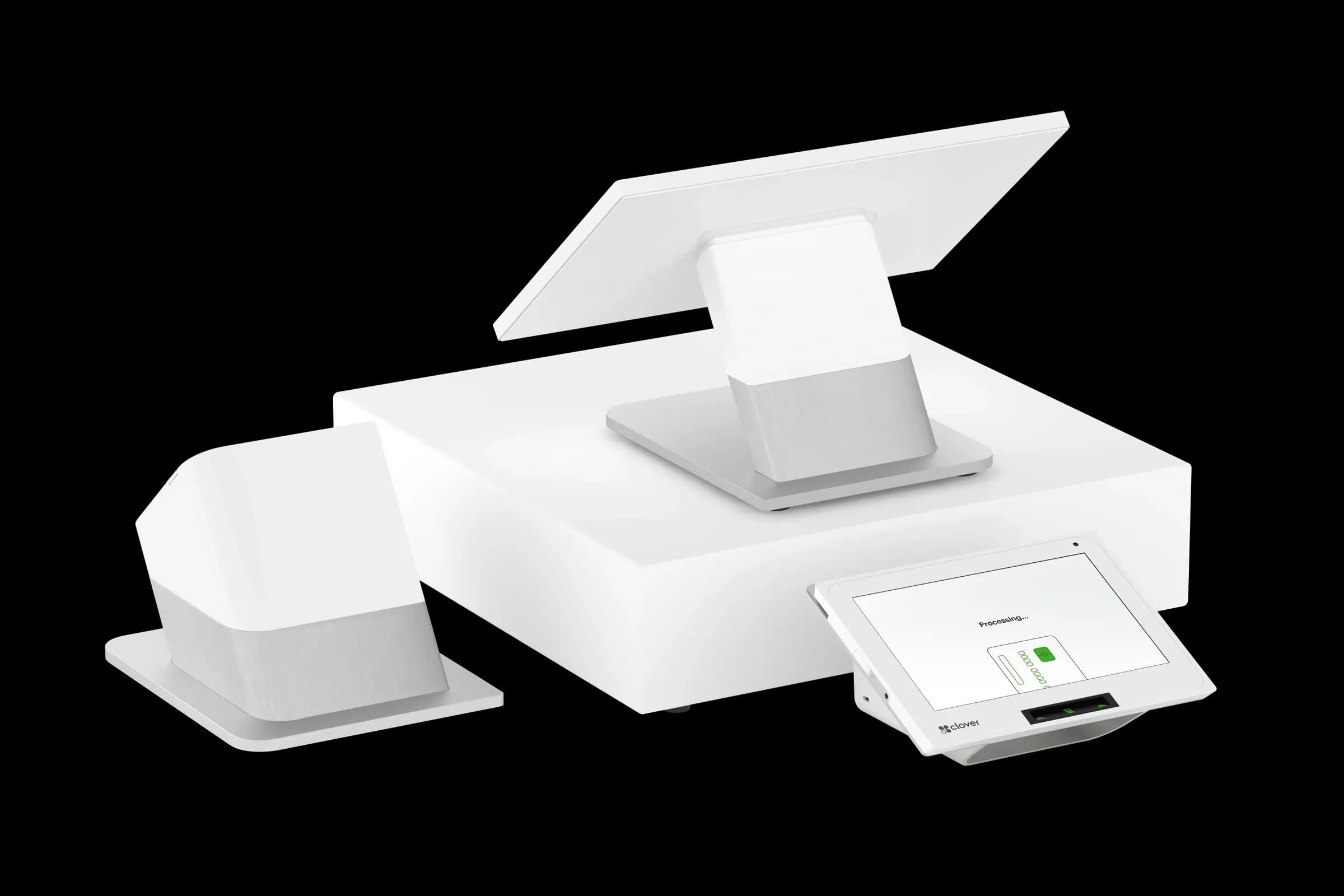
Split training by role: cashiers, servers, bartenders, and managers do not need the same screens. A host who only takes names should not sit through inventory modules. Thirty focused minutes beats three hours of everything.
Morning: core flows only
Cover login, opening a check or cart, adding items, modifiers, discounts with permission, payments (card, cash, split), and receipts. Stop there. Save reporting, comps, and refunds for managers until afternoon unless law or policy requires wider access.
Mock rush drill
Run two timed scenarios: five consecutive counter orders or three two-top tables with modifications. Pressure exposes confusion better than slides. Debrief mistakes without blame—fix the cheat sheet, not the person, when the UI is unclear.
- Laminated one-page guides at each station: payments, voids, call-a-manager steps.
- Name tags for “POS buddies” during the first live shift.
- Single channel for questions (group chat or headset code) so trainers are not scattered.
- Manager override codes stored securely—not on a sticky note customers can see.
Afternoon: exceptions and recovery
Train voids vs. refunds, reprints, offline behavior, and “when to call Croft or your processor.” Staff remember recovery paths when the printer jams more than they remember perfect happy-path demos.
Croft Business Solutions helps with POS go-live support, trainer checklists, and post-launch tune-ups for busy small businesses. We explain options in plain language, review statements when useful, and stay one call away, not a ticket queue.
First live shift checklist
Extra manager coverage for four hours, not four days. Capture every “how do I…?” in a running FAQ; update the cheat sheet that night. Most systems feel normal by shift three if day one was structured.
Under-a-day training is realistic when you narrow scope, drill under light pressure, and fix friction immediately—not when you attempt to certify everyone on every report.
POS selection checklist
- List your five most common transactions and demo each on finalist systems.
- Export a sample catalog and customer file—migration pain shows up at go-live.
- Compare software, hardware, and processing as one effective cost picture.
- Confirm support hours match when you actually sell (nights, weekends).
- Read the data-export policy before you sign a multi-year agreement.
Pair POS with transparent processing
Croft works with Clover, Toast, countertop terminals, and gateways for omnichannel sales. The goal is one deposit timeline, auditable fees, and reports your accountant can reconcile—not a slick demo that falls apart at month-end.
How to audit your processing costs
Pull your last three months of statements and calculate effective rate: total fees the processor kept divided by total card sales. List every monthly line item—PCI, gateway, statement, regulatory—and note downgrades on keyed or chip-fallback transactions. That single exercise beats comparing teaser qualified rates from sales brochures.
- Compare effective rate month over month; spikes often follow rate changes or card-mix shifts.
- Separate interchange (wholesale) from markup if you are on interchange-plus.
- Count keyed versus chip-present volume; keyed and MOTO categories cost more.
- Verify batch close times—open batches can delay funding or cause reconciliation gaps.
Our guide on reading your merchant statement walks through each section. If numbers still do not reconcile, upload statements for a Croft review before you renew or switch.
Croft Business Solutions helps with POS selection, hardware programs, and processing that matches your volume. We explain options in plain language, review statements when useful, and stay one call away, not a ticket queue.
Croft Business Solutions boards merchants nationwide with interchange-plus pricing, dual pricing and compliant cost-recovery programs, free POS placement for qualified businesses, and hands-on support on the Gulf Coast and throughout North Georgia. Start with a free statement audit or instant quote if you know your monthly volume.
Why this matters for your bottom line
Card processing is not a fixed utility bill. Effective rate—total fees divided by card sales—shifts with card mix, ticket size, and whether staff consistently use chip and contactless. Merchants who audit statements quarterly catch drift before renewal season; those who only compare teaser qualified rates often overpay for years.
Practical next steps
- Calculate effective rate from your last three statements.
- List monthly fixed fees: PCI, gateway, software, equipment.
- Note keyed vs chip-present volume and any downgrades.
- Compare your program to interchange-plus transparency.
- Request a free statement audit before you renew.
How Croft helps
Croft Business Solutions partners with Omega Bank Card Services to offer interchange-plus pricing, compliant dual pricing, free POS placement for qualified merchants, Clover and countertop terminals, and gateways for omnichannel sales. We explain programs in plain language and stay reachable after onboarding—not a ticket queue.
Pull your last three months of statements and calculate effective rate: total fees the processor kept divided by total card sales. List every monthly line item—PCI, gateway, statement, regulatory—and note downgrades on keyed or chip-fallback transactions. That single exercise beats comparing teaser qualified rates from sales brochures.
- Compare effective rate month over month; spikes often follow rate changes or card-mix shifts.
- Separate interchange (wholesale) from markup if you are on interchange-plus.
- Count keyed versus chip-present volume; keyed and MOTO categories cost more.
- Verify batch close times—open batches can delay funding or cause reconciliation gaps.
Our guide on reading your merchant statement walks through each section. If numbers still do not reconcile, upload statements for a Croft review before you renew or switch.
Croft Business Solutions helps with transparent processing, POS placement, and statement reviews. We explain options in plain language, review statements when useful, and stay one call away, not a ticket queue.
Croft Business Solutions boards merchants nationwide with interchange-plus pricing, dual pricing and compliant cost-recovery programs, free POS placement for qualified businesses, and hands-on support on the Gulf Coast and throughout North Georgia. Start with a free statement audit or instant quote if you know your monthly volume.
Search rankings follow useful, specific content—but your business wins when checkout is reliable and fees are auditable. Use this guide as a checklist, then talk to a partner who will show the math.
Frequently asked questions
- Can I keep my processor if I change POS?
- Sometimes. Compatibility depends on POS, gateway, and sponsor bank. Share your current stack when requesting a quote so migration is planned—not guessed.
- Is free POS hardware really free?
- Often it is subsidized through processing commitment. Compare effective rate over 36 months against buying hardware outright with interchange-plus pricing.
- How do I compare processors fairly?
- Use effective rate on your actual statements, include all monthly fees, and compare funding speed and support—not brochure qualified rates.
- Does Croft work with my existing POS?
- Often yes, depending on POS and gateway. Share your current stack when requesting a quote so integration and migration are planned upfront.
Related reads
POS systems
How to Migrate Your Inventory to a New POS Without Losing Data
Move inventory to a new POS without losing SKUs, costs, or history: export formats, cutover timing, barcode checks, and reconciliation steps for small retailers.
POS systems
POS Reporting Features Every Owner Should Be Using (But Isn't)
POS reports owners overlook: labor vs. sales, voids and discounts, category mix, hour-by-hour trends, and how to turn register data into weekly decisions.
POS systems
Retail vs. Restaurant POS: Why One Size Doesn't Fit All
Retail and restaurant POS needs differ: inventory, modifiers, tipping, kitchen routing, and reporting. Learn why a generic system often costs more in workarounds.
Want a second opinion on your statement?
We review what you pay today, line by line, and show how transparent pricing compares, no obligation to switch.