
POS Reporting Features Every Owner Should Be Using (But Isn't)
Your POS already collects the numbers that explain slow afternoons, margin leaks, and staffing mistakes. The gap is usually which reports owners open—and whether anyone acts on them before month-end.
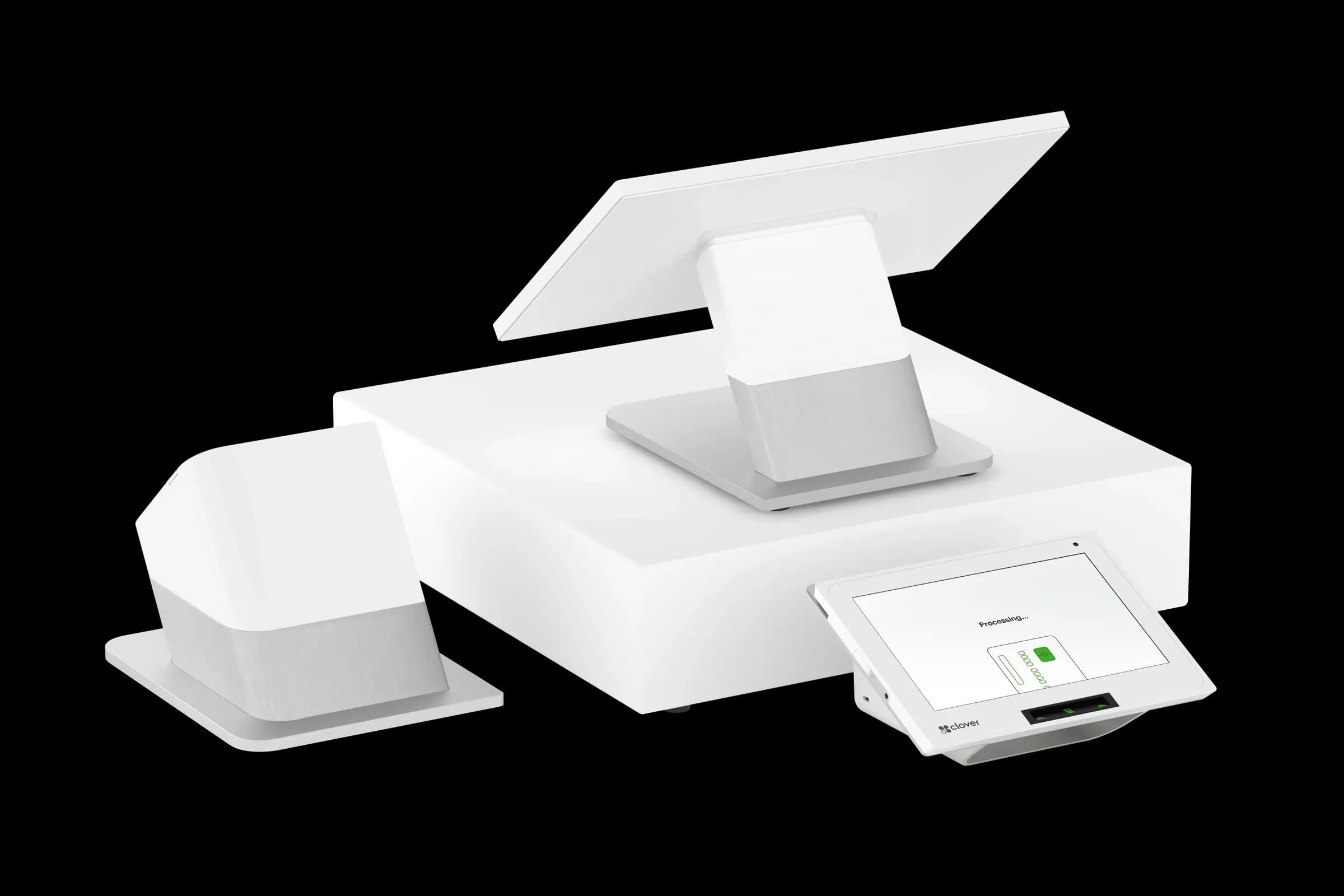
Sales totals and Z-reports are table stakes. The leverage sits one layer deeper: labor as a percent of net sales, discount and comp frequency by employee, void patterns, and category mix compared to the same day last week. Those views turn a register into a management tool instead of a receipt printer.
Labor vs. sales by daypart
If you staff for lunch but revenue shifted to late afternoon, payroll bleeds quietly. Pull labor hours alongside net sales for breakfast, lunch, and dinner—or morning, midday, close for retail. Adjust schedules in 30-minute blocks, not whole shifts, when you can.
Voids, discounts, and comps
Occasional voids are normal; clusters are not. Review voids by user and reason code weekly. The same applies to manager comps and open discounts. You are not looking for gotcha moments—you are catching training gaps and policy drift before they become habit.
- Item mix: which SKUs drive margin vs. traffic only.
- Hourly sales heat map: when to open another register or line-bust.
- Payment mix: card vs. cash trends affect processing cost and drawer discipline.
- Tax-exempt and refund volume: spikes may signal process issues.
Compare periods, not just totals
Year-over-year matters, but so does “same day last week” for seasonal businesses. Weather, local events, and school calendars move Gulf Coast foot traffic. A report that only shows month-to-date hides the Tuesday that dropped twenty percent.
Croft Business Solutions helps with POS setup and reporting reviews so owners see net sales, tips, and fees in one clear picture. We explain options in plain language, review statements when useful, and stay one call away, not a ticket queue.
Make reports a ritual
Block fifteen minutes every Monday for the same four reports. Share one number with your team—labor percent, average ticket, or top void reason—and assign a small fix. Consistency beats dashboards nobody opens.
If your POS cannot produce a view you need, ask whether an export to accounting or a loyalty integration fills the gap before you buy another subscription.
POS selection checklist
- List your five most common transactions and demo each on finalist systems.
- Export a sample catalog and customer file—migration pain shows up at go-live.
- Compare software, hardware, and processing as one effective cost picture.
- Confirm support hours match when you actually sell (nights, weekends).
- Read the data-export policy before you sign a multi-year agreement.
Pair POS with transparent processing
Croft works with Clover, Toast, countertop terminals, and gateways for omnichannel sales. The goal is one deposit timeline, auditable fees, and reports your accountant can reconcile—not a slick demo that falls apart at month-end.
How to audit your processing costs
Pull your last three months of statements and calculate effective rate: total fees the processor kept divided by total card sales. List every monthly line item—PCI, gateway, statement, regulatory—and note downgrades on keyed or chip-fallback transactions. That single exercise beats comparing teaser qualified rates from sales brochures.
- Compare effective rate month over month; spikes often follow rate changes or card-mix shifts.
- Separate interchange (wholesale) from markup if you are on interchange-plus.
- Count keyed versus chip-present volume; keyed and MOTO categories cost more.
- Verify batch close times—open batches can delay funding or cause reconciliation gaps.
Our guide on reading your merchant statement walks through each section. If numbers still do not reconcile, upload statements for a Croft review before you renew or switch.
Croft Business Solutions helps with POS selection, hardware programs, and processing that matches your volume. We explain options in plain language, review statements when useful, and stay one call away, not a ticket queue.
Croft Business Solutions boards merchants nationwide with interchange-plus pricing, dual pricing and compliant cost-recovery programs, free POS placement for qualified businesses, and hands-on support on the Gulf Coast and throughout North Georgia. Start with a free statement audit or instant quote if you know your monthly volume.
Why this matters for your bottom line
Card processing is not a fixed utility bill. Effective rate—total fees divided by card sales—shifts with card mix, ticket size, and whether staff consistently use chip and contactless. Merchants who audit statements quarterly catch drift before renewal season; those who only compare teaser qualified rates often overpay for years.
Practical next steps
- Calculate effective rate from your last three statements.
- List monthly fixed fees: PCI, gateway, software, equipment.
- Note keyed vs chip-present volume and any downgrades.
- Compare your program to interchange-plus transparency.
- Request a free statement audit before you renew.
How Croft helps
Croft Business Solutions partners with Omega Bank Card Services to offer interchange-plus pricing, compliant dual pricing, free POS placement for qualified merchants, Clover and countertop terminals, and gateways for omnichannel sales. We explain programs in plain language and stay reachable after onboarding—not a ticket queue.
Pull your last three months of statements and calculate effective rate: total fees the processor kept divided by total card sales. List every monthly line item—PCI, gateway, statement, regulatory—and note downgrades on keyed or chip-fallback transactions. That single exercise beats comparing teaser qualified rates from sales brochures.
- Compare effective rate month over month; spikes often follow rate changes or card-mix shifts.
- Separate interchange (wholesale) from markup if you are on interchange-plus.
- Count keyed versus chip-present volume; keyed and MOTO categories cost more.
- Verify batch close times—open batches can delay funding or cause reconciliation gaps.
Our guide on reading your merchant statement walks through each section. If numbers still do not reconcile, upload statements for a Croft review before you renew or switch.
Croft Business Solutions helps with transparent processing, POS placement, and statement reviews. We explain options in plain language, review statements when useful, and stay one call away, not a ticket queue.
Croft Business Solutions boards merchants nationwide with interchange-plus pricing, dual pricing and compliant cost-recovery programs, free POS placement for qualified businesses, and hands-on support on the Gulf Coast and throughout North Georgia. Start with a free statement audit or instant quote if you know your monthly volume.
Search rankings follow useful, specific content—but your business wins when checkout is reliable and fees are auditable. Use this guide as a checklist, then talk to a partner who will show the math.
Frequently asked questions
- Can I keep my processor if I change POS?
- Sometimes. Compatibility depends on POS, gateway, and sponsor bank. Share your current stack when requesting a quote so migration is planned—not guessed.
- Is free POS hardware really free?
- Often it is subsidized through processing commitment. Compare effective rate over 36 months against buying hardware outright with interchange-plus pricing.
- How do I compare processors fairly?
- Use effective rate on your actual statements, include all monthly fees, and compare funding speed and support—not brochure qualified rates.
- Does Croft work with my existing POS?
- Often yes, depending on POS and gateway. Share your current stack when requesting a quote so integration and migration are planned upfront.
Related reads
POS systems
Integrating Your POS With Accounting Software: A Step-by-Step Guide
Connect your POS to QuickBooks or similar accounting: chart of accounts mapping, daily sales summaries, tips, fees, and reconciliation habits that save month-end pain.
POS systems
POS Add-Ons That Actually Pay for Themselves
POS add-ons worth the cost: loyalty, online ordering, kitchen displays, inventory tools, and gift cards—how to estimate payback before you subscribe.
POS systems
What Happens to Your Sales Data If Your POS Goes Down?
POS outage playbook for small business: offline mode, queued payments, backup checkout, data sync risks, and how to protect sales records when systems fail.
Want a second opinion on your statement?
We review what you pay today, line by line, and show how transparent pricing compares, no obligation to switch.