
QuickBooks & Your POS: What Integration Should Actually Do
“Integrates with QuickBooks” appears on half the POS brochures along the Gulf Coast. The useful question is what syncs automatically, what you still export by hand, and whether processing fees land in the right account.
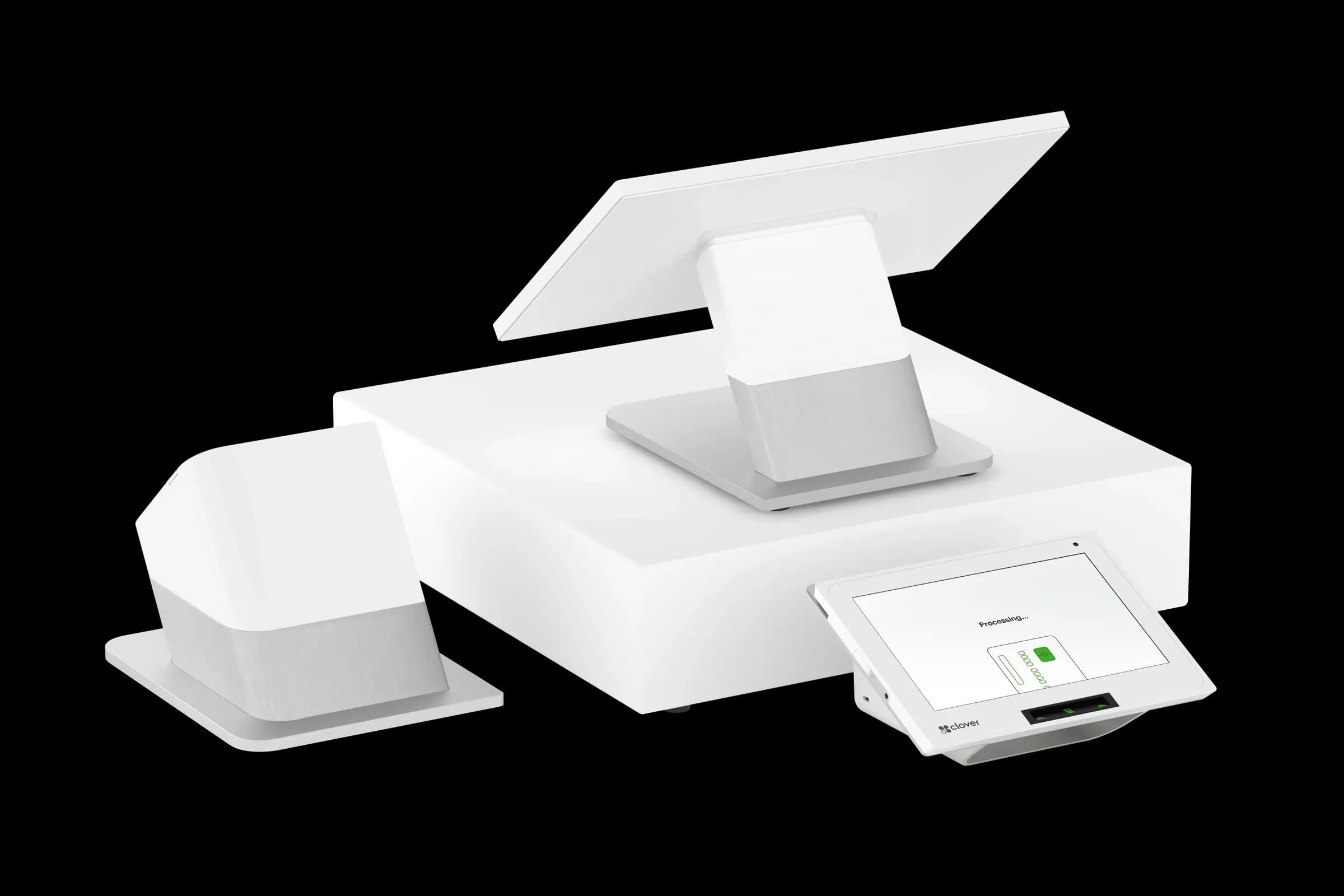
Strong integrations push daily sales summaries, tax splits, and tender types into QuickBooks without CSV gymnastics. Weaker ones dump a lump sum that your bookkeeper must decode. Ask for a demo using your actual tax setup and product categories.
What usually syncs well
- Daily sales totals by payment method.
- Sales tax collected by jurisdiction.
- Customer records for repeat buyers.
- Refunds and voids as offsetting entries.
Inventory depth varies. Retailers with variants and modifiers should verify SKU-level behavior, not assume it from a logo on the brochure.
Processing fees are separate
QuickBooks will not automatically explain interchange on your processing statement. Many owners map fees to a dedicated expense account monthly. Integration reduces sales-entry time; it does not replace statement review.
Questions before you commit
- Is the integration native, third-party, or an export template?
- What happens when internet drops, queue and retry or manual catch-up?
- Who supports sync errors: POS vendor, QuickBooks, or your processor?
- Does the integration require a specific gateway or merchant ID?
Croft Business Solutions helps merchants choose POS and gateway paths that fit their accounting workflow, including QuickBooks-friendly options where available on supported platforms.
Buy integration for the reconciliation you hate doing at 9 p.m. on the last day of the month. A twenty-minute demo beats a year of manual journal entries.
Why this matters for your bottom line
Card processing is not a fixed utility bill. Effective rate—total fees divided by card sales—shifts with card mix, ticket size, and whether staff consistently use chip and contactless. Merchants who audit statements quarterly catch drift before renewal season; those who only compare teaser qualified rates often overpay for years.
Practical next steps
- Calculate effective rate from your last three statements.
- List monthly fixed fees: PCI, gateway, software, equipment.
- Note keyed vs chip-present volume and any downgrades.
- Compare your program to interchange-plus transparency.
- Request a free statement audit before you renew.
How Croft helps
Croft Business Solutions partners with Omega Bank Card Services to offer interchange-plus pricing, compliant dual pricing, free POS placement for qualified merchants, Clover and countertop terminals, and gateways for omnichannel sales. We explain programs in plain language and stay reachable after onboarding—not a ticket queue.
How to audit your processing costs
Pull your last three months of statements and calculate effective rate: total fees the processor kept divided by total card sales. List every monthly line item—PCI, gateway, statement, regulatory—and note downgrades on keyed or chip-fallback transactions. That single exercise beats comparing teaser qualified rates from sales brochures.
- Compare effective rate month over month; spikes often follow rate changes or card-mix shifts.
- Separate interchange (wholesale) from markup if you are on interchange-plus.
- Count keyed versus chip-present volume; keyed and MOTO categories cost more.
- Verify batch close times—open batches can delay funding or cause reconciliation gaps.
Our guide on reading your merchant statement walks through each section. If numbers still do not reconcile, upload statements for a Croft review before you renew or switch.
Croft Business Solutions helps with transparent processing, POS placement, and statement reviews. We explain options in plain language, review statements when useful, and stay one call away, not a ticket queue.
Croft Business Solutions boards merchants nationwide with interchange-plus pricing, dual pricing and compliant cost-recovery programs, free POS placement for qualified businesses, and hands-on support on the Gulf Coast and throughout North Georgia. Start with a free statement audit or instant quote if you know your monthly volume.
Search rankings follow useful, specific content—but your business wins when checkout is reliable and fees are auditable. Use this guide as a checklist, then talk to a partner who will show the math.
Frequently asked questions
- How do I compare processors fairly?
- Use effective rate on your actual statements, include all monthly fees, and compare funding speed and support—not brochure qualified rates.
- Does Croft work with my existing POS?
- Often yes, depending on POS and gateway. Share your current stack when requesting a quote so integration and migration are planned upfront.
Related reads
POS strategy
Best POS Systems for Small Businesses on the Gulf Coast
How to choose POS for an Gulf Coast small business: industry fit, payments integration, support, and hardware without chasing features you will not use.
Statements
How to Read a Merchant Processing Statement (Without the Headache)
Step-by-step guide to reading merchant processing statements: discount paid, interchange pass-through, fees, and the effective rate you actually pay.
Fee hunt
Hidden Fees on Processing Statements: What to Look For
Spot hidden credit card processing fees: PCI line items, batch and authorization charges, monthly minimums, and inflated downgrade buckets on your statement.


Want a second opinion on your statement?
We review what you pay today, line by line, and show how transparent pricing compares, no obligation to switch.